You already know the winner is out there. You just can't afford to find it.
Brief a creator. Wait a week for footage.
$300 later, the hook flops — and you have no idea why.
Now fatigue is setting in and you need five more angles by Friday.
The volume it takes to win is the volume you were priced out of. Not anymore.
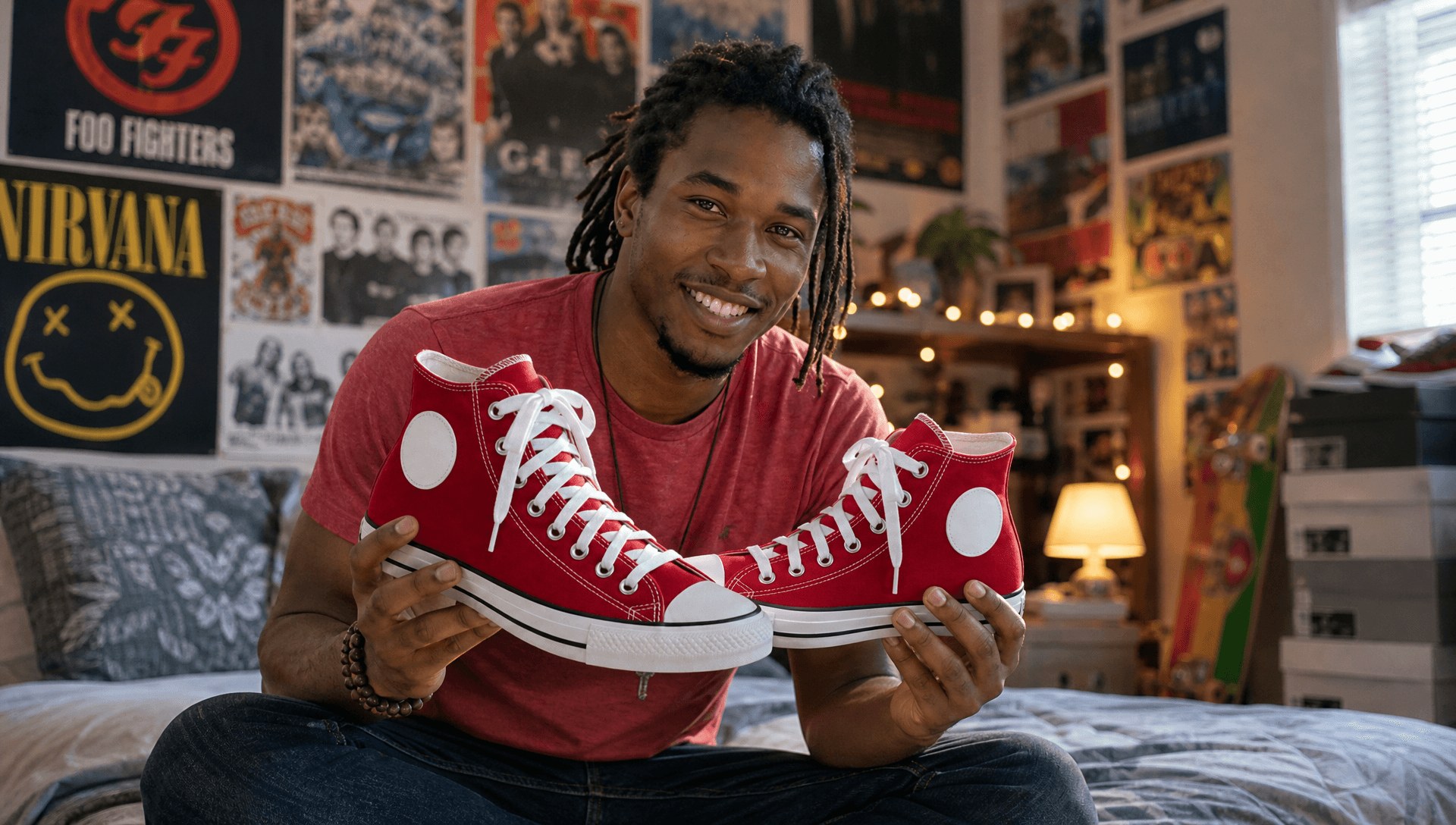
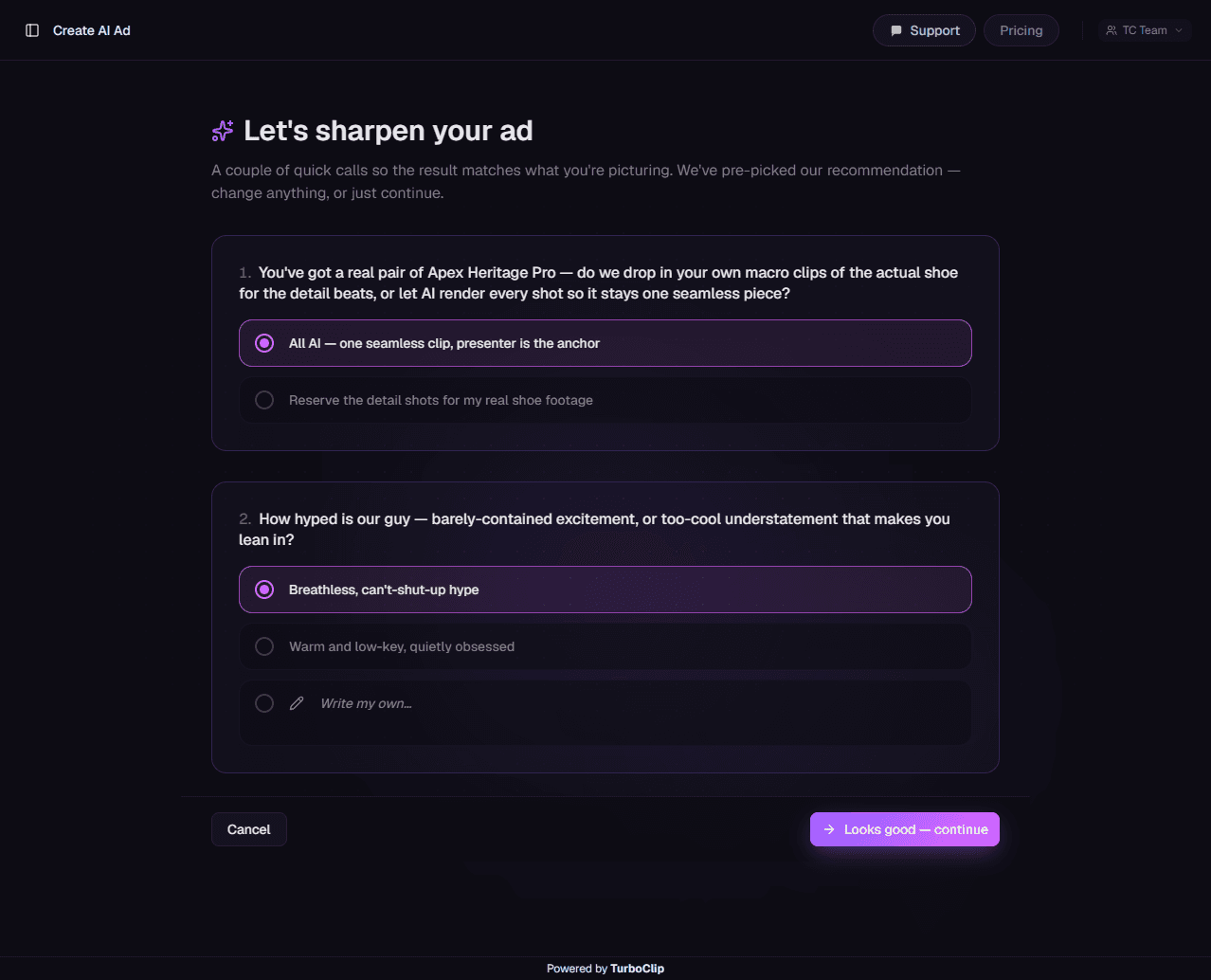
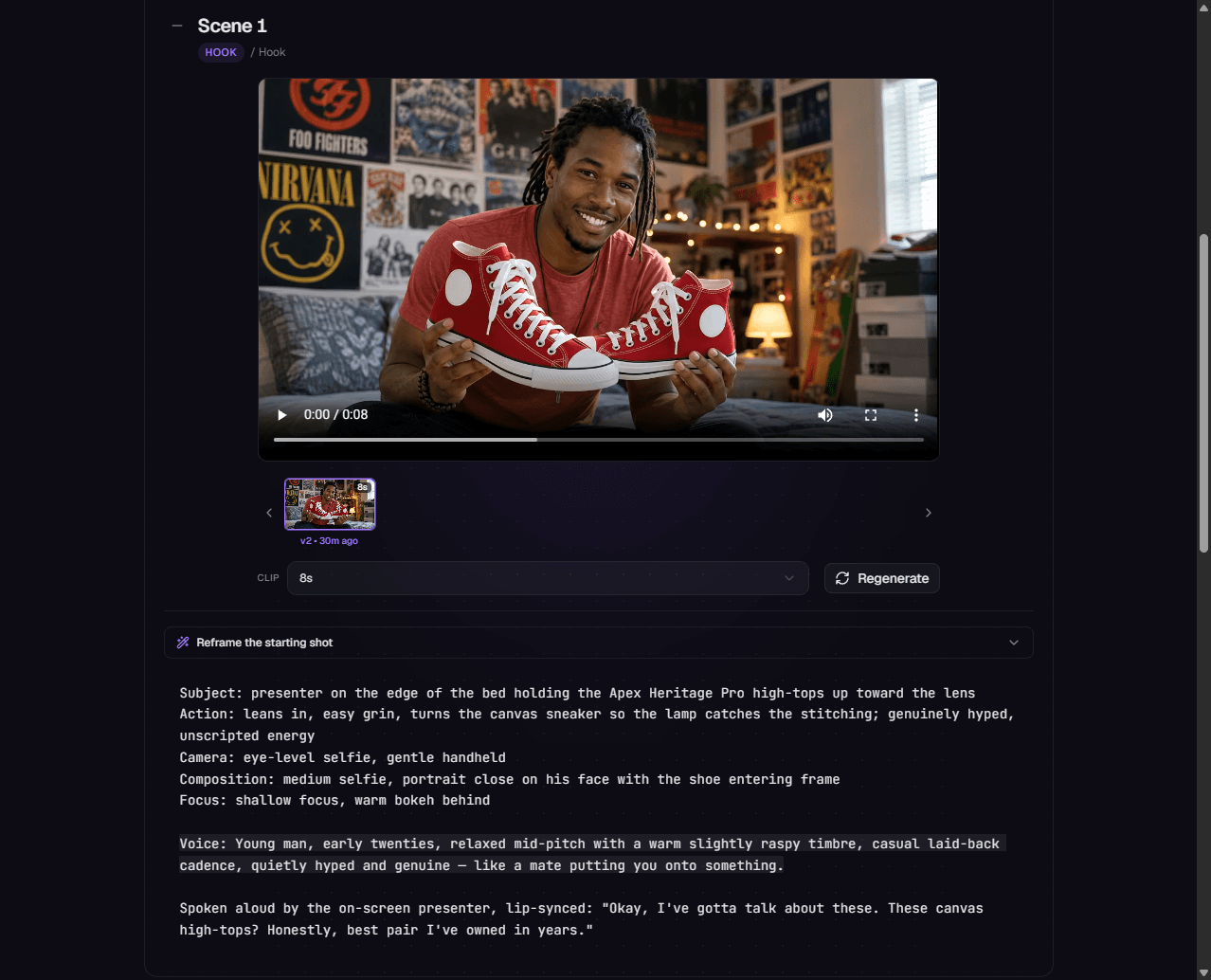
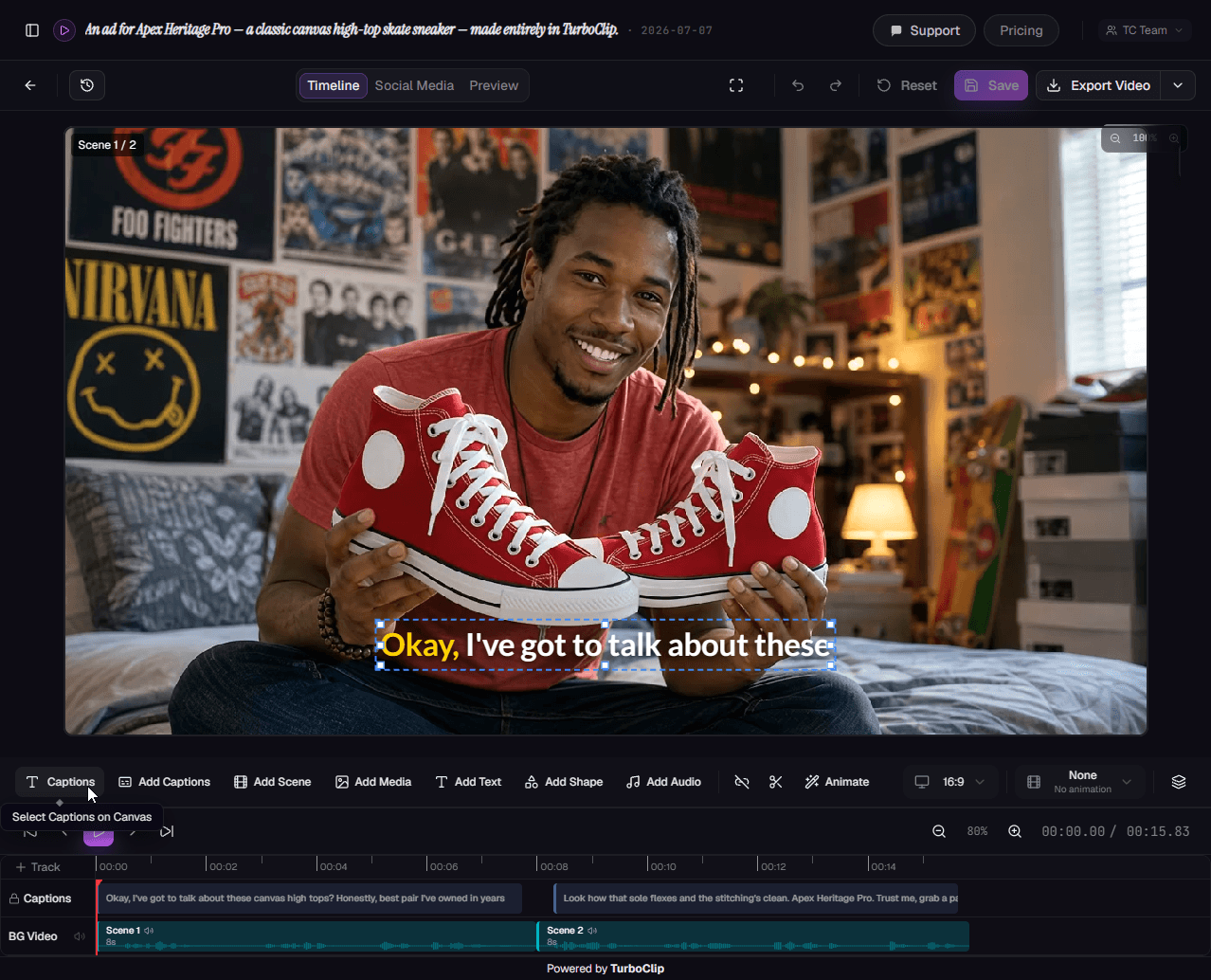
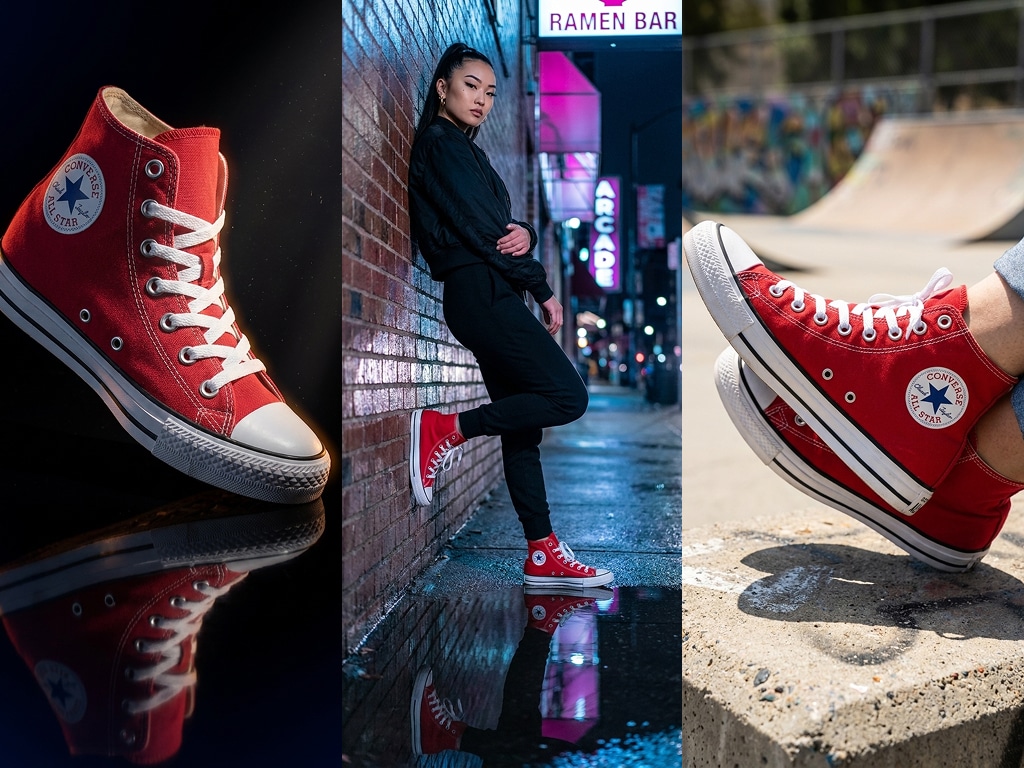
Same sneaker. Completely different ad.
That phone-shot review isn't the only ad this shoe can front. Here's the same Apex Heritage Pro in a cinematic, golden-hour skatepark spot — a different format, energy and edit entirely, generated the same way. No plastic skin, no floaty motion: TurboClip renders the whole spot — hero shots, product close-ups, b-roll and every cut between — on frontier models, so it reads as a real shoot, not a render.
- One product, any format — UGC review, cinematic spot, product placement
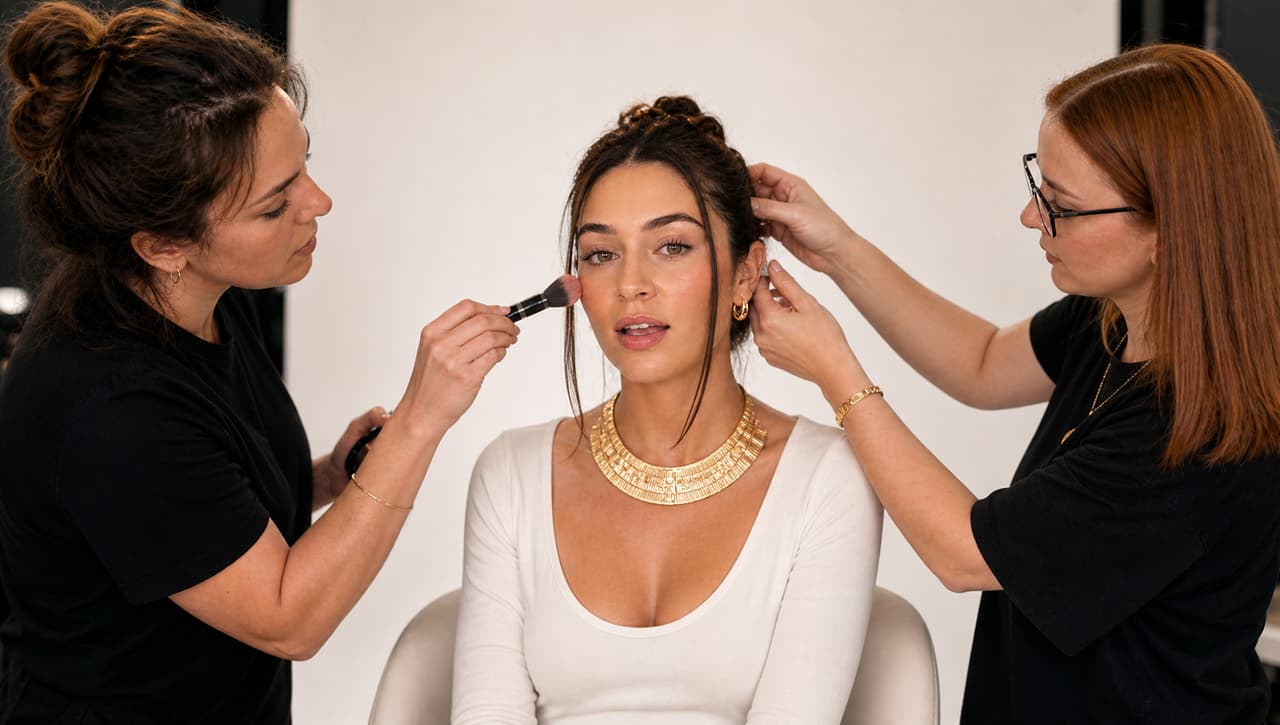
- Frontier-model realism: skin, motion and light that read as filmed
Recognizably yours, in every shot.
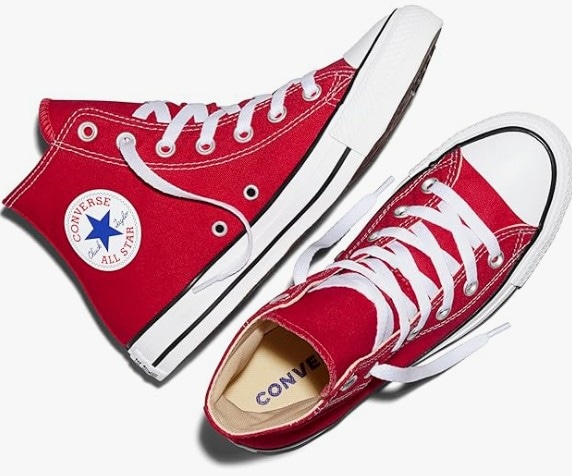
Generic AI props kill the sale. Upload your product once and it shows up as itself — restaged across any environment, angle and style you throw at it, yet unmistakably the same product in every cut. Generate the whole range; it never stops being yours.
- One upload, restaged into any scene, style or environment
- Your actual product in every shot — not a lookalike
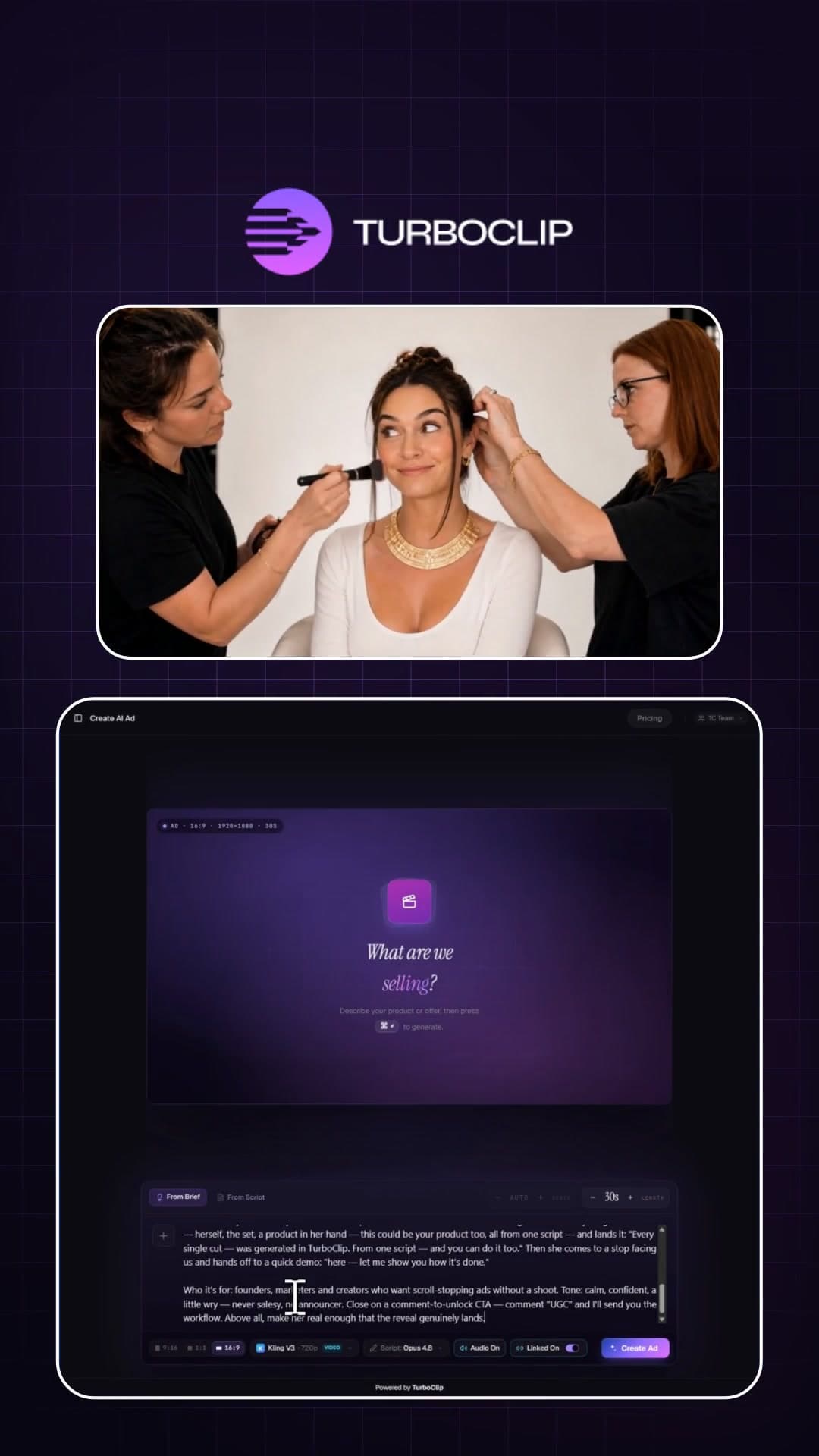
Not just UGC. Whatever converts.
Powered by the best models in AI.
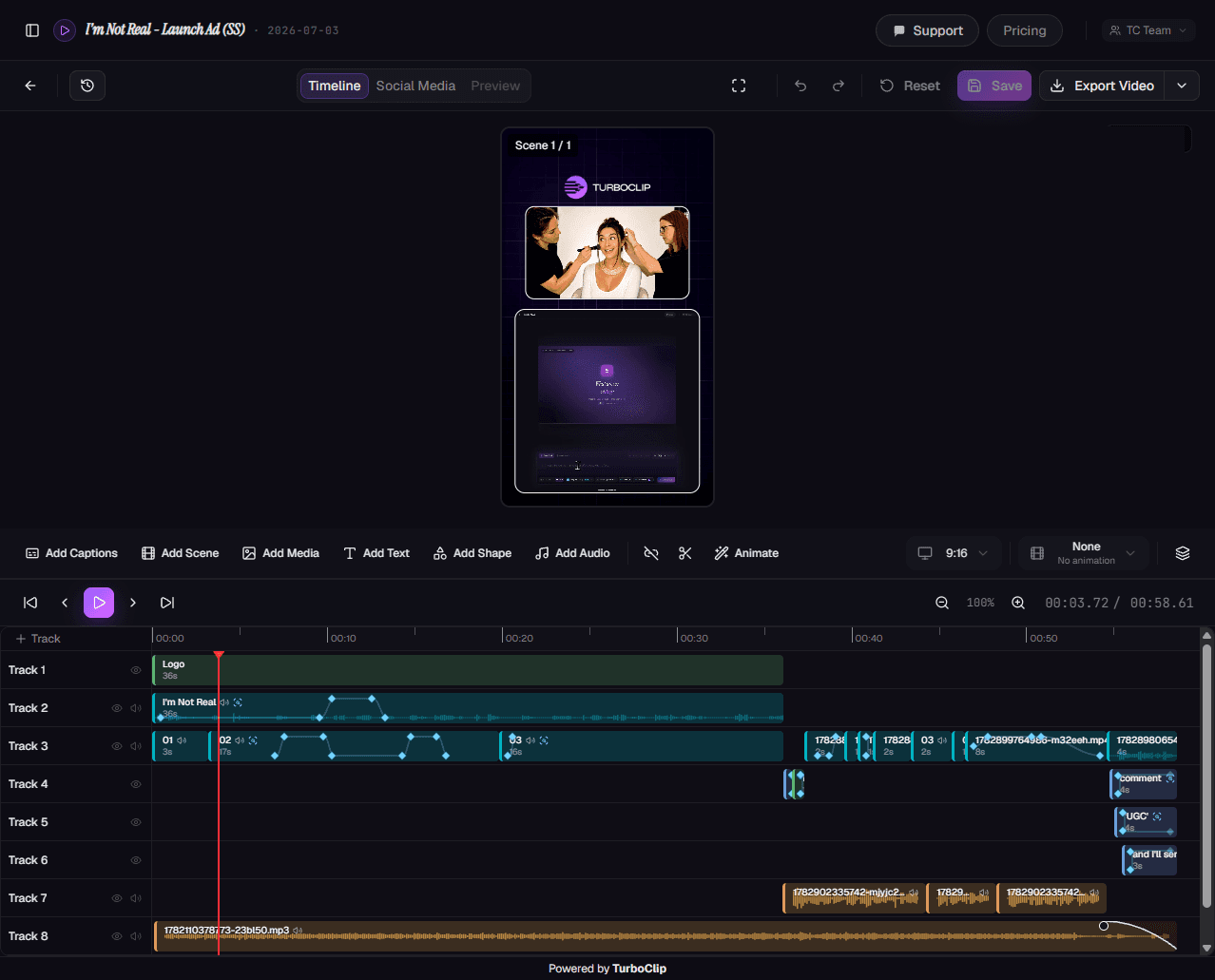
TurboClip isn’t a wrapper around one video model. The shot list, the presenter, your product shots and the score each route to the model that does that job best — which is why the spot reads as filmed rather than rendered. The day a better one ships, it’s in your dropdown.
Every model. Every feature.
One subscription.
The newest AI models and a deep bench of production tools — video, ads, slideshows, editing, automation, and agent access — all inside TurboClip. Most tools do one of these.
Questions, answered.

You'll be talking to the people who built it.
TurboClip is founder-run. Hit a wall, want a feature, or just want a second pair of eyes on your first ad? Real humans answer — not a ticket queue that forgets you by Monday.
Your next winning ad is a sentence away.
Brief it, generate the whole spot, and test your way to the winner — at a pace a shoot could never keep.