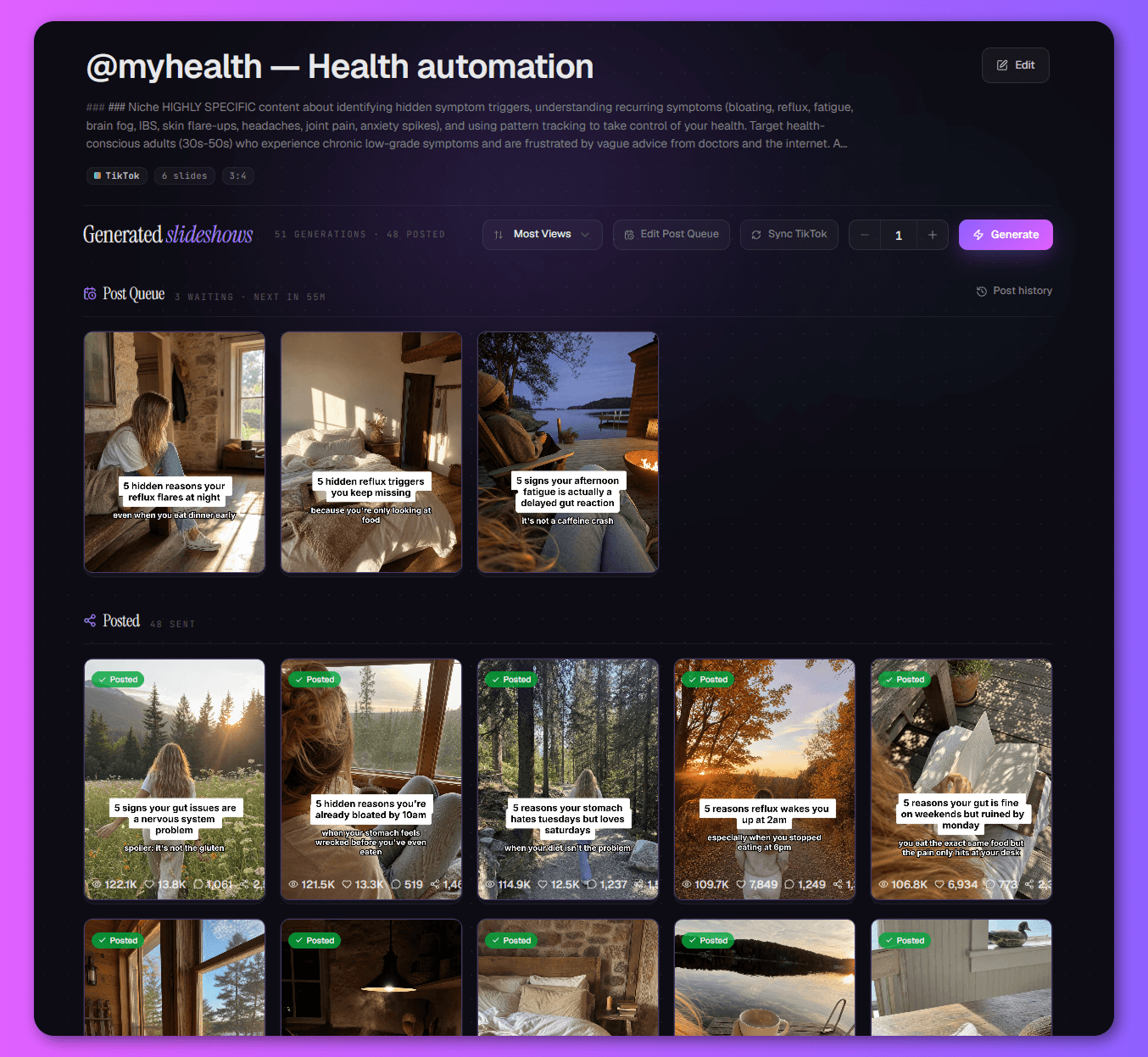
The hard part of faceless content isn't making one post. It's making the next 300.
Every day is another blank page and a ticking clock.
Do it well and you're paying a designer — or burning your own evenings.
The brand drifts, the quality dips, the cadence slips.
Miss a week, and the algorithm forgets you exist.
The accounts that win are the ones that never go quiet. Now yours doesn't have to.
Describe your niche.
Get a whole engine.
Tell TurboClip what you make in plain English — or paste a competitor URL, or upload a few reference screenshots. Seconds later you have a complete, production-ready template: narrative direction, format rules, image style, and caption design. Every field still yours to tweak.
- Three ways to start — describe it, paste a URL, or upload references
- An AI-built preset back in seconds, or start from a ready-made niche template
Dial in every detail — or let AI decide.
Narrative and format prompts, image style and models, recurring subjects, slide-text rules, a soft CTA, the posting schedule — every knob is yours when you want it, and sensible on autopilot when you don't.
One look, one cast,
every single post.
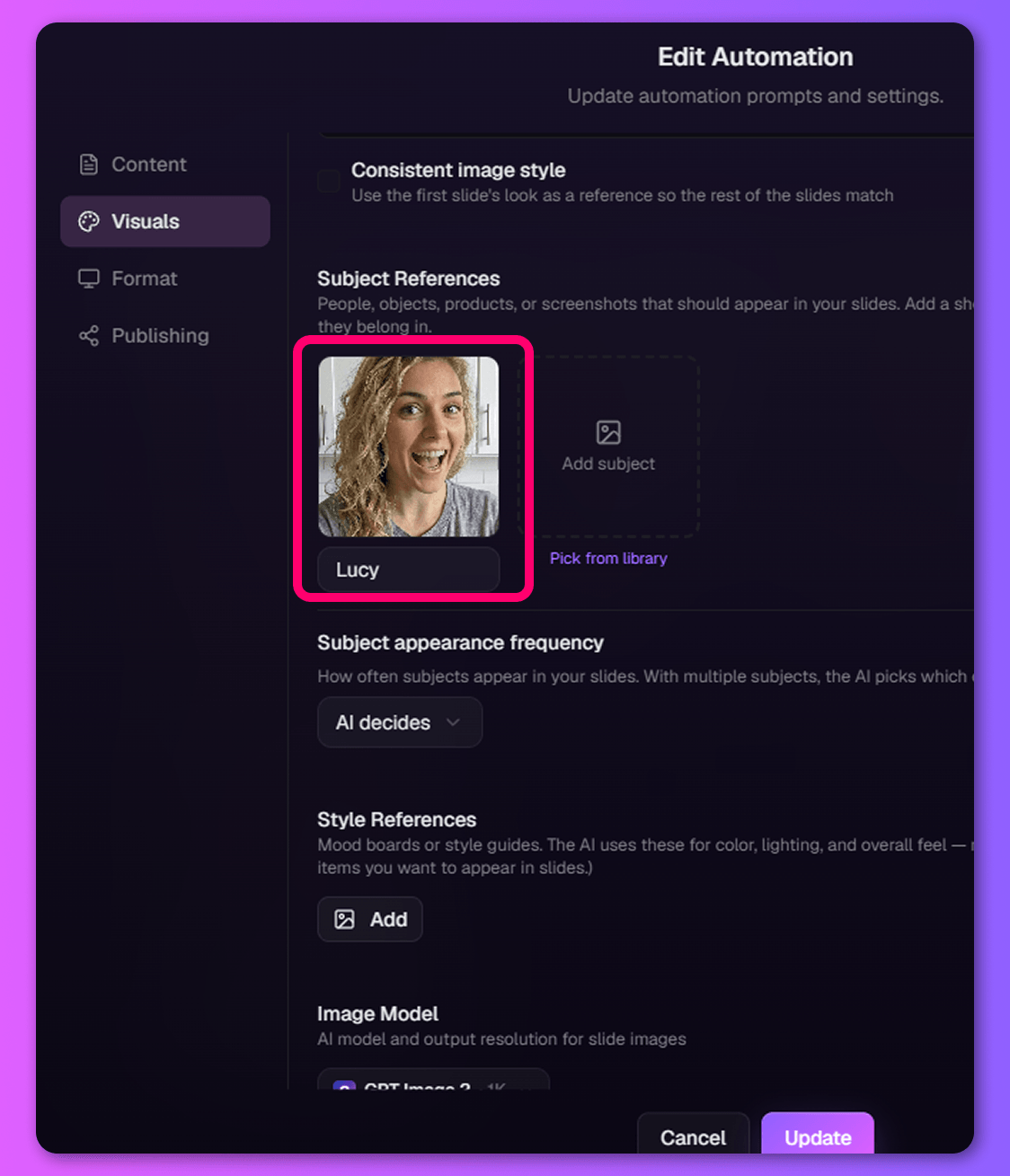
Upload your recurring character — your AI influencer, your mascot, your founder — label them once, and choose how often they appear. Add a style mood board and your product shots. From then on every slideshow looks unmistakably yours, same character and all, without you touching a thing.
- A consistent character across every post via labelled Subject References
- Your style, palette and products locked in as reusable brand assets
Set the rhythm.
Walk away.
Pick your cadence and TurboClip keeps the queue full — a fresh, on-brand slideshow for every slot, each a new angle on your niche. Turn on “keep my schedule filled” and it generates ahead of time, so you come back to a full content calendar, not a blank page.
- A fresh, on-brand slideshow generated for every scheduled slot
- “Keep my schedule filled” pre-generates ahead of time so you never run dry
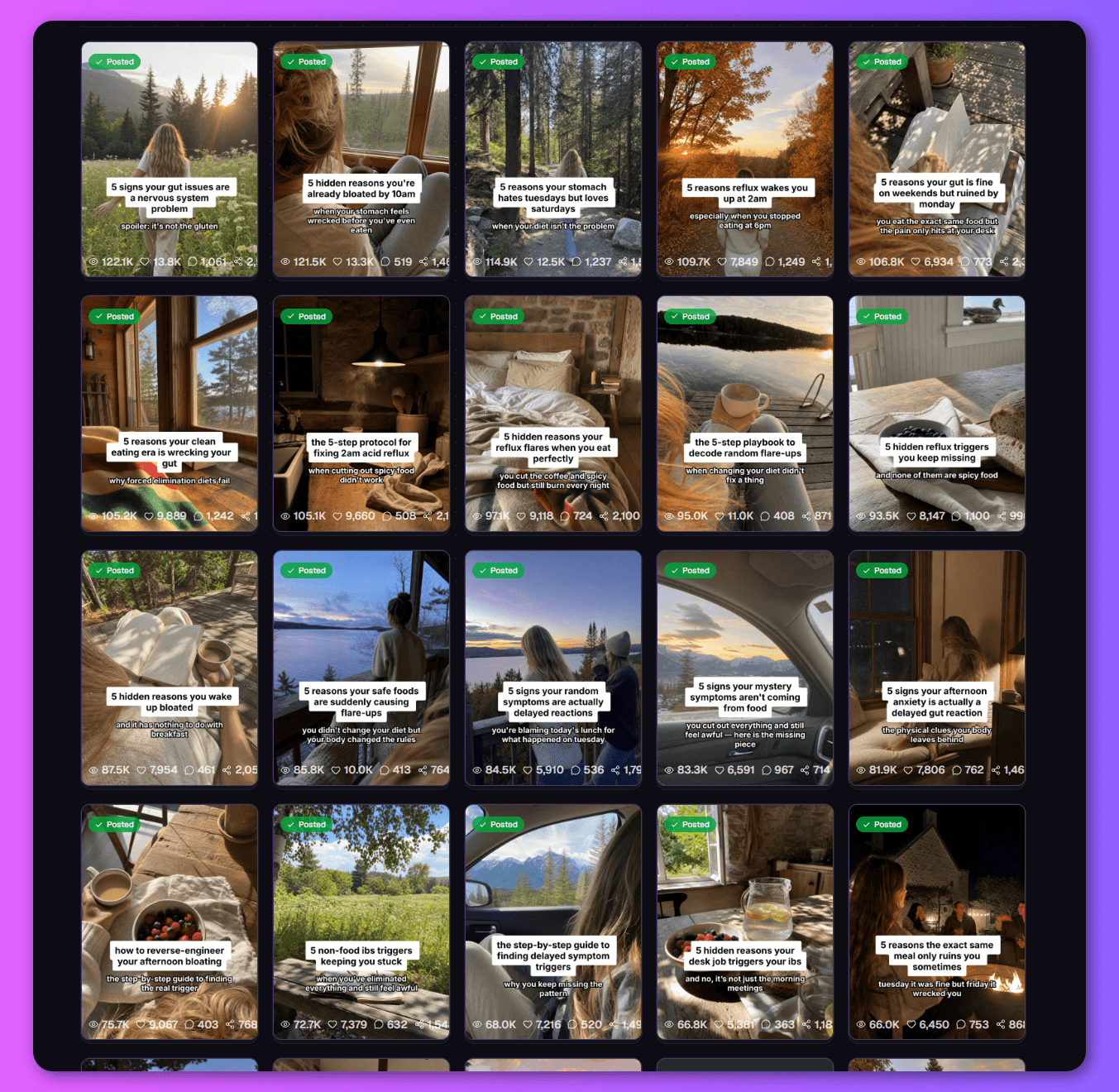
A month of on-brand content, generated while you sleep.
Every tile came out of one automation — same brand, same voice, a fresh angle each time. This is what "set it up once" looks like a few weeks in.
A content team's output. Without the content team.
One automation quietly does the job of a writer, a designer, and a scheduler — so the only thing it costs you is the credits, not your day or a retainer.
Your hours back
No daily brainstorm, no blank page. The ideas, the copy, and the imagery are done before you wake up — reclaim the hour a day content was quietly eating.
No designer on retainer
On-brand imagery, generated — not commissioned. Skip the freelancer invoices and the back-and-forth; every slide comes out looking like your brand made it.
Marketing that runs itself
Every post is a fresh ad for your channel, business, or product — working organically, day after day, with no ad spend and nothing for you to lift.
If it posts daily, it can run on autopilot.
Powered by the best models in AI.
An automation isn’t pinned to the models it was built with. Every scheduled run reaches for the current best — so next month’s posts are generated on next month’s frontier, with nothing for you to update.
Every model. Every feature.
One subscription.
The newest AI models and a deep bench of production tools — video, ads, slideshows, editing, automation, and agent access — all inside TurboClip. Most tools do one of these.
Questions, answered.

You'll be talking to the people who built it.
TurboClip is founder-run. Hit a wall, want a feature, or just want a second pair of eyes on your first ad? Real humans answer — not a ticket queue that forgets you by Monday.
Your content calendar, on autopilot.
Build one automation today and let it market you on autopilot — fresh, on-brand, and out the door every day, without the team it used to take.
Just need one slideshow? Make one by hand →