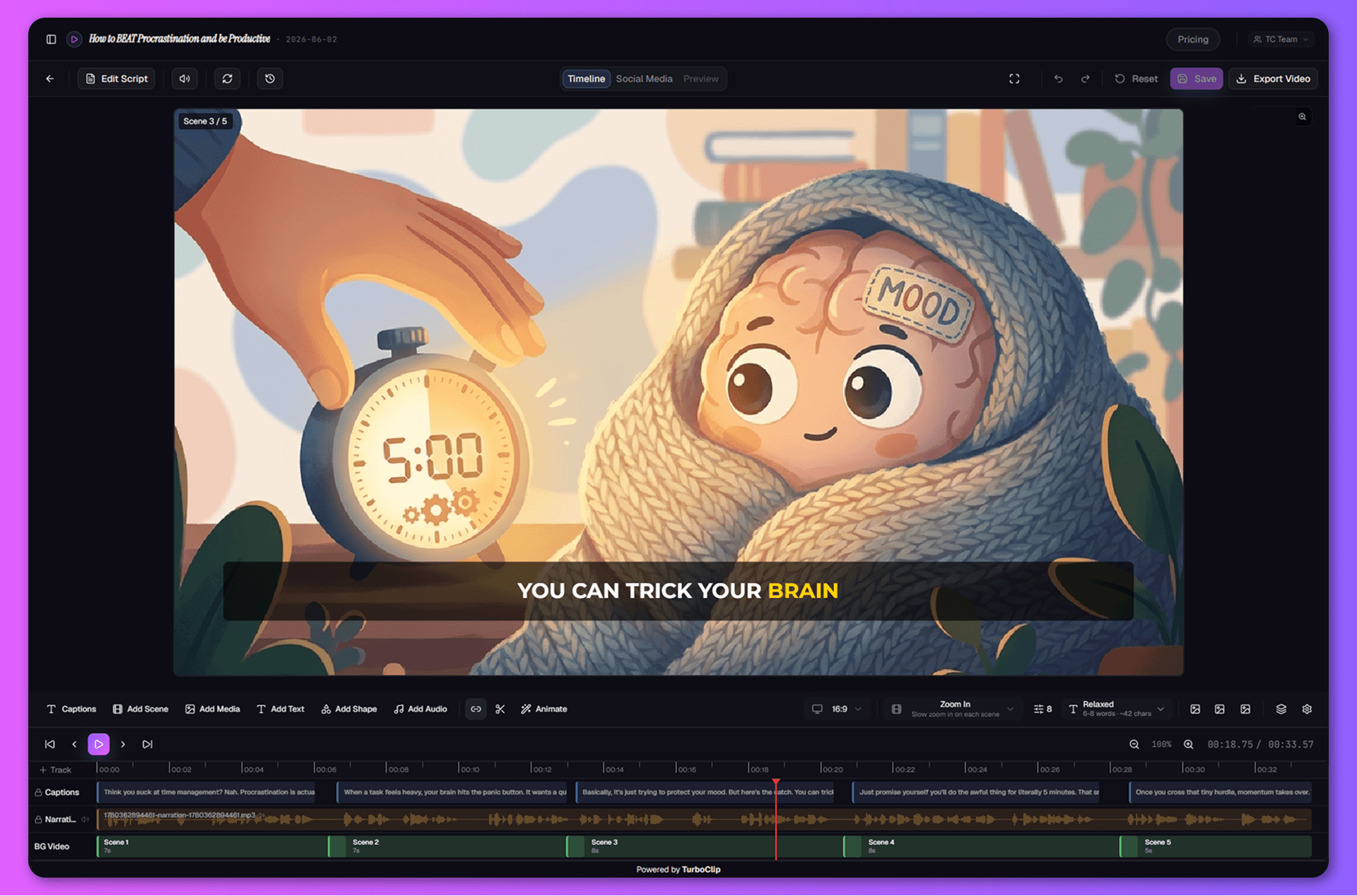
Make it move like you imagined.
That title shouldn't just appear — it should land. Fly your hook in, punch the zoom on the reveal, let motion blur sell the speed. The moves you see in every viral edit, drawn with two keyframes instead of two weekends of tutorials.
- Animate visual clips — position, size, rotation, camera zoom — with easing curves
- One-click motion blur; what you preview is exactly what exports
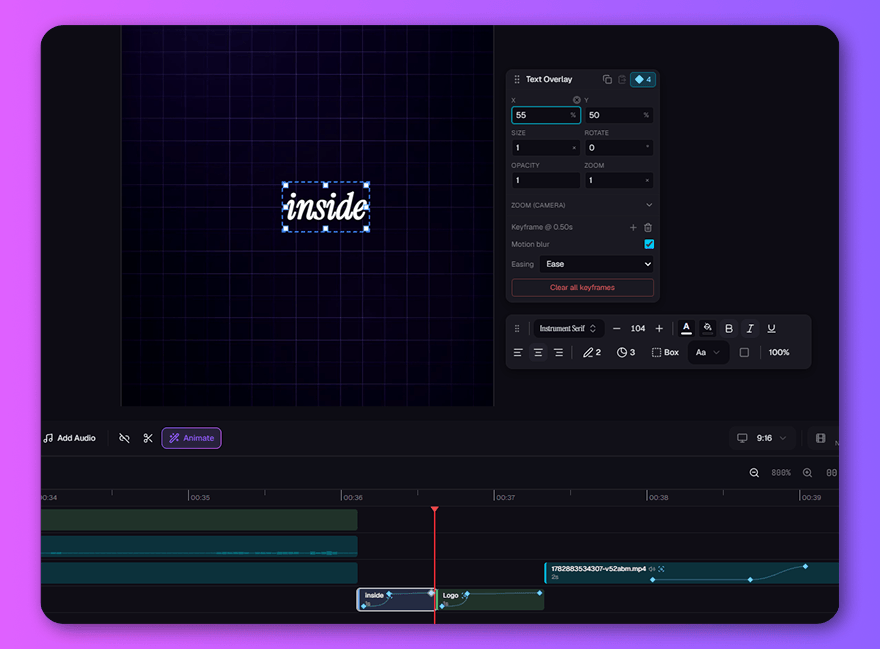
Try a new direction. Keep your earlier take.
Scene 3 isn't wrong — it's just not it. Regenerate it with a new prompt, compare, keep the winner. Every previous take waits in history, so trying a wild direction never costs you the safe one.
- Regenerate any scene with a new prompt, model, or quality
- Generation uses credits; restoring an earlier take is free
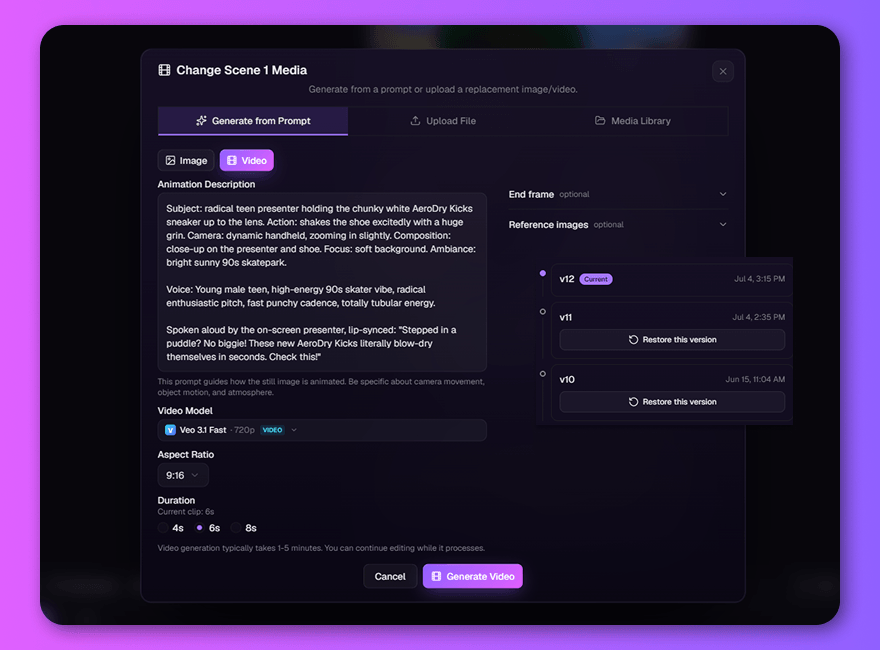
Every reflex of a pro editor. Already under your fingers.
Sound like a production.
The difference between amateur and pro is what happens under the voice. Bed the music, ride the levels, pull a clean fade out under the CTA — or generate a fresh AI track right where it plays.
- Layer music, voiceover, and SFX — fade out with a drag of the arc handle
- Generate AI music on the timeline, exactly where you need it
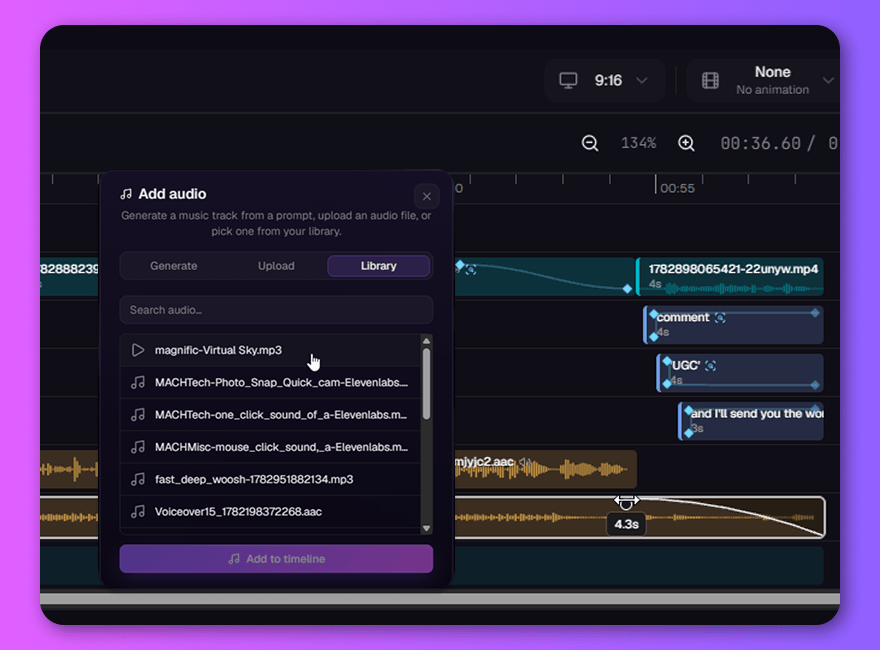
Captions that carry the scroll.
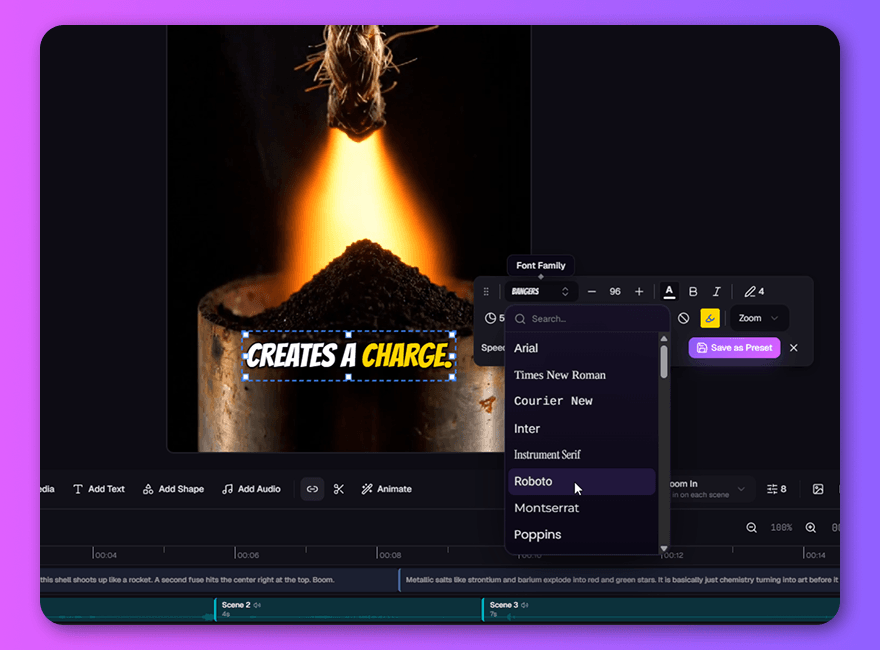
Most of your audience watches on mute — your captions ARE the video. Pick a style that fits the brand, let word-level highlights track the voice, and stay readable at arm's length.
- Ten viral caption styles in one click — or save your own
- Word-level highlights, timed to the narration automatically
Still more in the cutting room.
Room for every idea
B-roll over the hook, a logo through the whole cut, titles arriving on beat. On desktop, lasso-select clips across overlay and audio tracks and move them together while keeping their timing.
Still frames, brought to life
One click sends any scene to a frontier video model and it comes back alive — same scene, now breathing. The original waits one click away.
Your assets, everywhere
Start with your own footage, AI-generated scenes, or a mix of both. Bring in brand assets, b-roll, and music from your library. Original filenames stay recognizable on the timeline, even after splitting clips.
Powered by the best models in AI.
Every regenerate button in the editor reaches the whole bench. Re-roll a scene on a different image model, send a still to a frontier video model, or write a music bed right where it plays — and new models show up in the picker the week they launch.
Your flow never breaks.
Generate, refine, animate, mix, export — without ever leaving the tab. No downloading clips, no importing into another editor, no losing the thread at 11pm. Keep refining by hand: manual editing and rendering don't cost credits. AI work is charged separately.
Ship something you're proud of. Today.
Your first draft is one sentence away — and this time, so is the final cut.