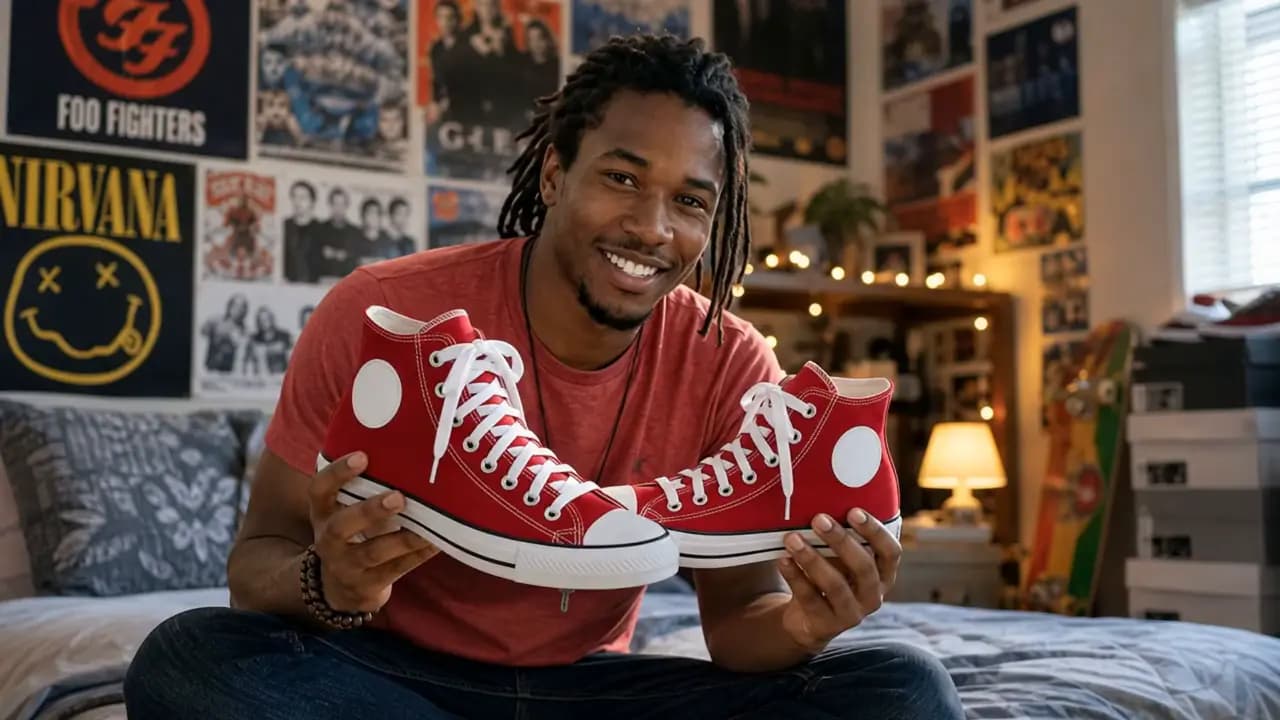



TurboClip Director

You direct it.
Before it renders.

Most AI video is a slot machine: type a prompt, wait, hope. TurboClip Director reads your brief back, picks the hook and who carries the audio, and lays out every shot — and you can change any of it before a single frame is made.

Watch it land. A finished, captioned video — then make every frame yours in Studio.

01 — It reads you back

Your brief, read back.
Before a word is written.

The moment you hit Generate, most tools start guessing. The Director first tells you who it thinks this is for and what should land — its best read pre-selected, one tap to change, or put it in your own words.

  • Who it’s for and what should land, reflected back first
  • Its read pre-picked — confirm in a tap, or write your own
02 — Hook and voice

The first three seconds,
chosen on purpose.

Six opening moves — the Contrarian, the Insider, the Proven Winner and more — and the Director picks the one your brief calls for. It also decides who carries the audio: a narrator, people on screen, or nobody at all. Disagree? Swap either before a frame exists.

  • Six hook archetypes, each a different opening move
  • Narrator, in-scene dialogue, or no speech — set up front
03 — Run or review

Let it run.
Or approve every shot.

In a hurry? Generate it all and come back to a finished video. Want the wheel? Review each step — the script, then every scene’s direction, then each shot as it renders — and re-roll any single shot without redoing the rest.

  • Generate it all, or review each step — your call, every run
  • Every shot’s direction editable before it renders

04 — Your footage

Got real footage?
Slot it into the plan.

For ads, the shot plan marks every beat as AI-made or yours. Flip the product close-ups to Your footage and they’re held as slots for your real clips — everything else is generated around them.

  • Each beat set to AI or Your footage, one tap apiece
  • Reserved beats land in Studio as slots for your clips
Explore the AI Ad Creator →
05 — Finish in Studio

It lands in Studio.
Every frame still yours.

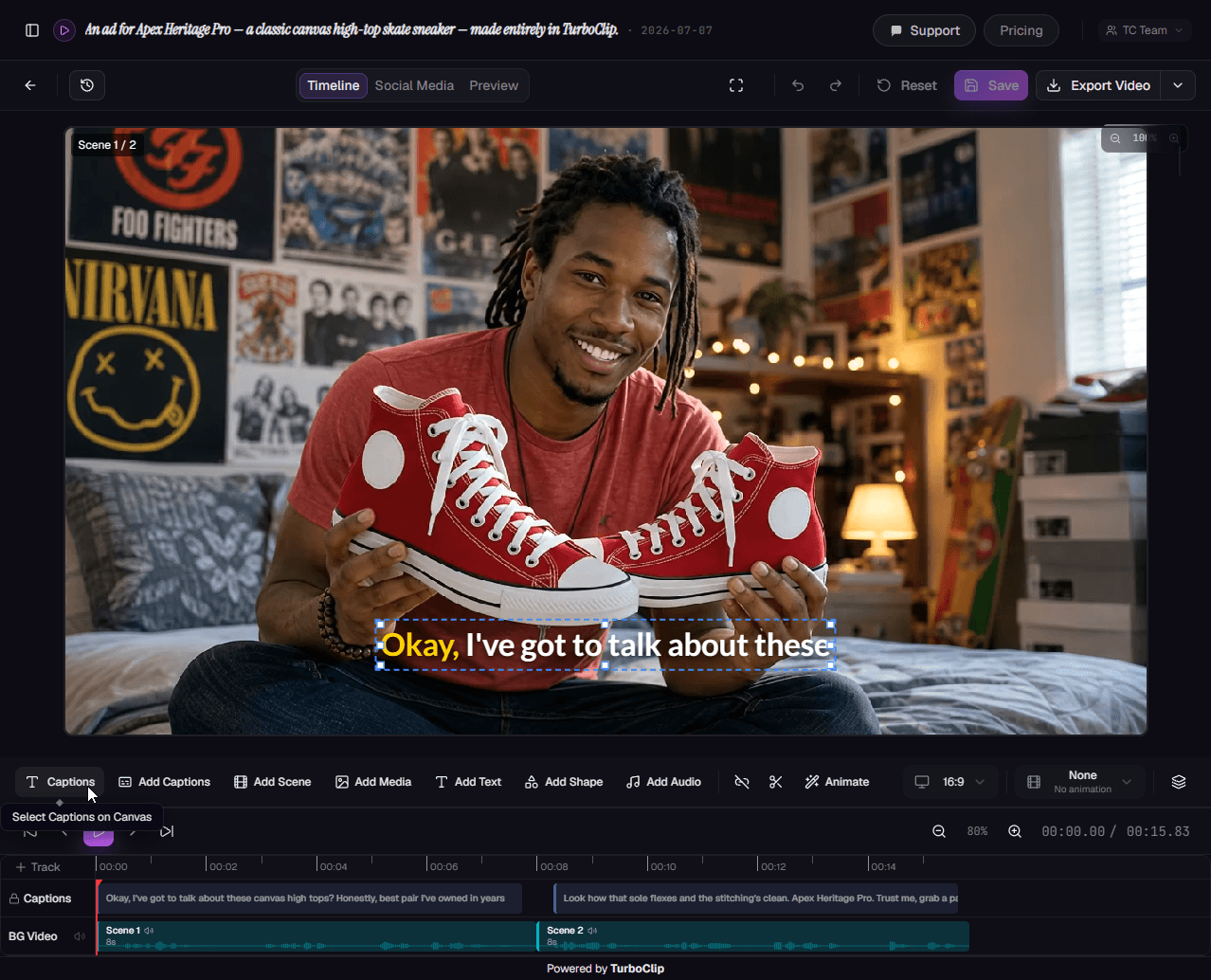
The finished video opens in TurboClip Studio — scenes, voice, captions and music on one timeline. Retime a beat, restyle the captions, re-roll a scene, then export.

  • Scenes, narration, captions and music on one timeline
  • Re-roll a single scene without starting over
Explore Studio →
The finished ad open in TurboClip Studio — scenes, captions and audio on one timeline.
One Director

Every format, directed the same way.

Video

Narrated videos

Hook, voice, format and pacing set from the brief — then a script and a scene-by-scene plan you can approve.

Ad

UGC and product ads

An ad setup and a shot plan: a presenter, your real product, and slots for footage you already have.

Explore the AI Ad Creator →
Slideshow

Slideshows

The angle, the opening hook and every slide’s copy, with imagery to match — then one Generate.

Explore slideshows →
Your brand, throughout

Your brand. Your facts.
A stronger starting point.

Upload product specs, course material, brand guidelines. Drop in reference images so every visual lands on-brand. TurboClip grounds the script in your facts and the visuals in your aesthetic — not whatever the model half-remembers from the internet.

  • Brand-consistent visuals — start/end frames + up to 5 style references. Every scene matches your aesthetic.
  • Data Sources (RAG) — upload docs, AI works from your facts.
  • Pick your AI — mix & match top-in-class models per project.
DATA SOURCES · 4 ATTACHED
brand-voice-2026.pdf
1.2 MB
TONE
product-one-pager.docx
847 KB
FACTS
customer-research.pdf
3.4 MB
CLAIMS
launch-talking-points.md
12 KB
HOOKS
Script grounded in 4 sources · Ready for your review
Under the hood

Powered by the best models in AI.

The Director’s judgement runs on a frontier text model, and the setup it hands over routes each job to the model that does it best — the scenes, the motion, the voice. Swap any of them per project, and the day a better one ships, it’s in your dropdown.

Direction
GPT-6 Astra
Opus 5.5 · Gemini 3.1 Pro
Reads the brief, picks the hook, writes the script and shots
Imagery
GPT Image 2.5
Nano Banana (3 Pro)
Every scene styled to the plan, up to 4K
Motion
Seedance 2.5
MiniMax H3 · Gemini Omni Flash · Seedance 2.0 · Kling V3
AI video with native audio
Voice & score
ElevenLabs
Lyria 3.5
Narration and a music bed, already mixed
New models added as they launch — every setup is directed on the current frontier.
FAQ

Questions, answered.

The setup your brief implies — before anything renders. It reads your brief back first (who it’s for, what should land), then proposes the rest: the hook — one of six opening moves — who carries the audio (a narrator, people on screen, or nobody), plus format, tone, pacing and point of view.
Every choice is pre-picked and one tap to change. Agree and continue, swap anything, or write your own. For ads it also lays out a shot plan where each beat can be AI-made or kept for your own footage.

Yes. Once the setup looks right, choose Generate it all to go straight to a finished video, or Review each step to approve the script and every scene’s direction first — and re-roll any single scene without redoing the rest.
Either way, the finished video opens in TurboClip Studio, where every frame stays editable.

Minutes. A full narrated, captioned video is typically ready in a couple of minutes; a slideshow in seconds. The same thing by hand — scripting, voiceover, sourcing visuals, editing, captioning — takes most creators hours.
Let the pipeline run end-to-end and come back to a finished draft, or review at each step. Either way, the slow part of content creation is gone.

Yes. TurboClip is model-agnostic — every stage of the pipeline runs on frontier, best-in-class AI models, and you pick which to use per project based on your budget and quality needs.
That choice spans scripting & vision, image generation, video animation, and voice — reach for fast, economical models while drafting and premium models for the final cut. And because we're never tied to one provider, the day a better model ships, we add it — you're always on the current frontier without lifting a finger.

Not at all. TurboClip is designed so anyone can go from an idea to a finished video or slideshow without any technical skills. Type what you want, click generate, and you’re done.
But if you want more control, it’s there. Behind the simple starting point are 100+ configuration options — platform, format, tone, audience, pacing, AI models, reference images, data sources, and production notes. TurboClip Studio gives you scene-by-scene control over every detail. Beginners never need to touch these; power users can tune everything.

Yes — this is one of TurboClip’s strongest features. Upload reference images (start/end frames and up to 5 style references) to guide the AI’s visual output and maintain a consistent look across all your content.
You can also upload data source documents — product descriptions, brand guidelines, research, lesson plans — and the AI will ground its scripts in your actual data rather than general knowledge. This means factually accurate, brand-consistent content instead of generic AI output.

As accurate as the information you give it. Upload your own data sources — product specs, research, brand guidelines, notes — and the AI writes from *your* facts, not generic guesses.
For anything it’s unsure of, it can research reputable sources on the web to get the detail right. So instead of confident-sounding filler, you get content that holds up — the difference between something you can publish and something you have to fact-check first.
Founder-led support at TurboClip
Founder-led

You'll be talking to the people who built it.

TurboClip is founder-run. Hit a wall, want a feature, or just want a second pair of eyes on your first ad? Real humans answer — not a ticket queue that forgets you by Monday.

You own the copyright to everything you make Private by default We never train our models on your content
Brief in. Video out.

Your next video, directed by you.

Bring one sentence. The Director reads it back, picks the hook and lays out the shots — you approve what renders.

Free to try · No credit card required