Can ChatGPT make images?
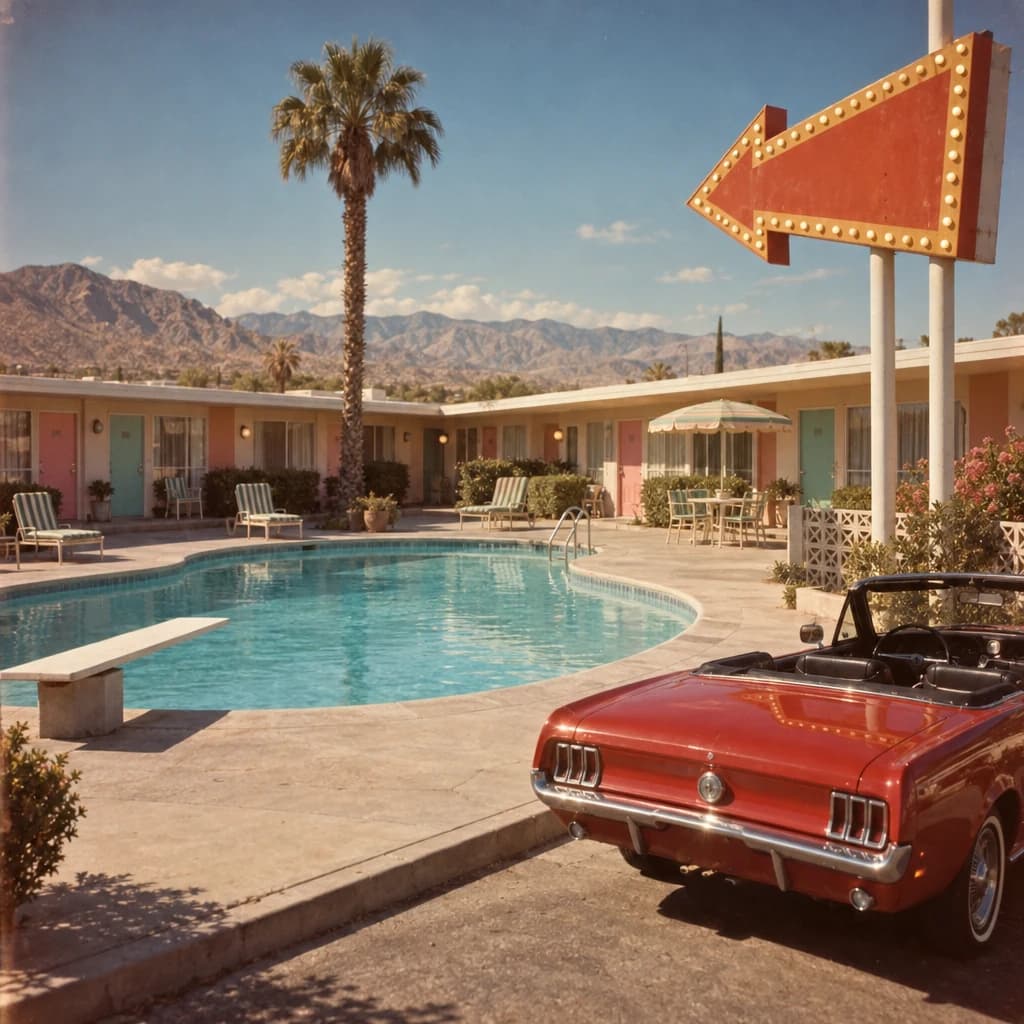

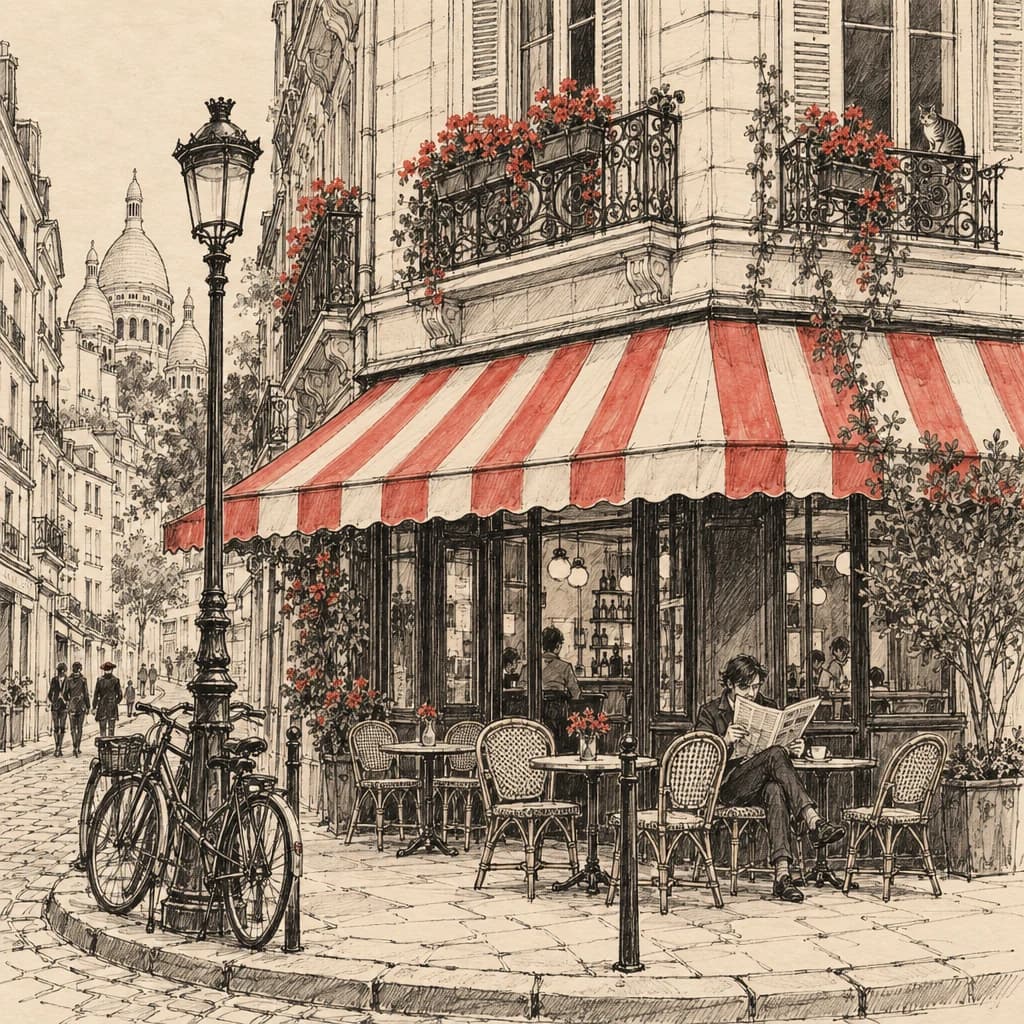
Yes. ChatGPT's image generator is built into every plan. Here's what it does, what it doesn't, and how to turn its images into videos, ads and slideshows.
Yes. ChatGPT has a built-in image generator, ChatGPT Images, on every plan, on the web and in the iOS and Android apps (OpenAI). Describe a picture and it makes one; upload an image and it edits it. Where it stops is motion: ChatGPT doesn't make video. That's where a connector such as TurboClip comes in.
What ChatGPT's image generator does
According to OpenAI's help center, ChatGPT Images can:
- Make an image from a description, in any aspect ratio.
- Edit an image, one ChatGPT made or one you upload. Select part of it and describe the change, or just describe it in the chat.
- Add text and details, or make the background transparent.
You can ask for an image in any conversation, or pick Images from the menu.
What it doesn't do
ChatGPT's images are stills. It doesn't animate them, turn a set of them into a video, add a voiceover or music, or burn in captions. For a post that moves, you need a video tool.
Which route fits?
| ChatGPT Images | ChatGPT with TurboClip | |
|---|---|---|
| What you get | Still images, made and edited in the chat | Images plus clips, narrated videos, UGC ads and slideshows |
| Images into video | No | Yes |
| Other image models | OpenAI's only | A choice, including OpenAI's and Google's |
| Which plans | Every plan | Business, Enterprise and Edu on the web; Codex |
Turning ChatGPT's images into videos with TurboClip
TurboClip makes videos, ads and slideshows, and ChatGPT drives it through a connector. With it, an image can be:
- The opening frame of a clip, animated by a video model.
- A scene in a narrated video, with camera moves, a voiceover and captions.
- Your product or presenter in a UGC ad, the same in every shot.
- A slide in a written, illustrated carousel.
This one is made entirely of AI images with camera moves:
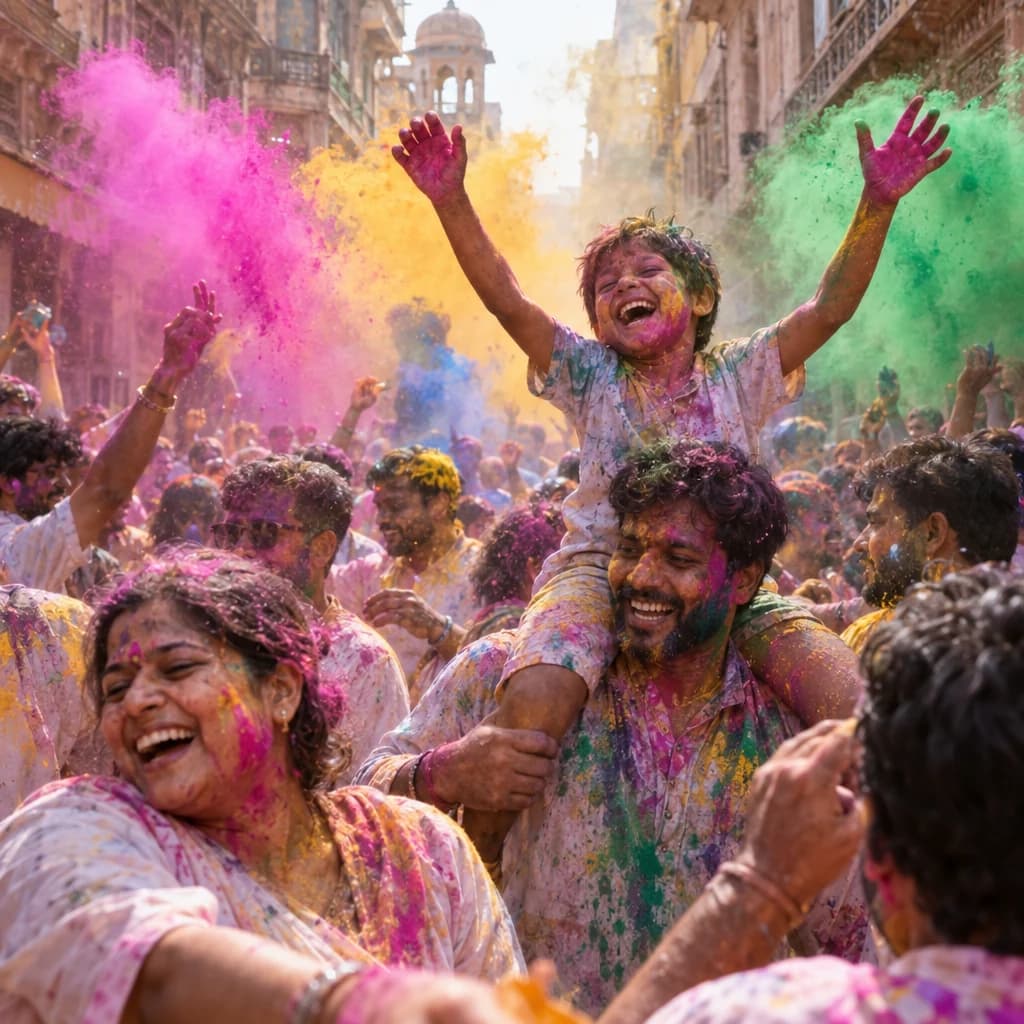
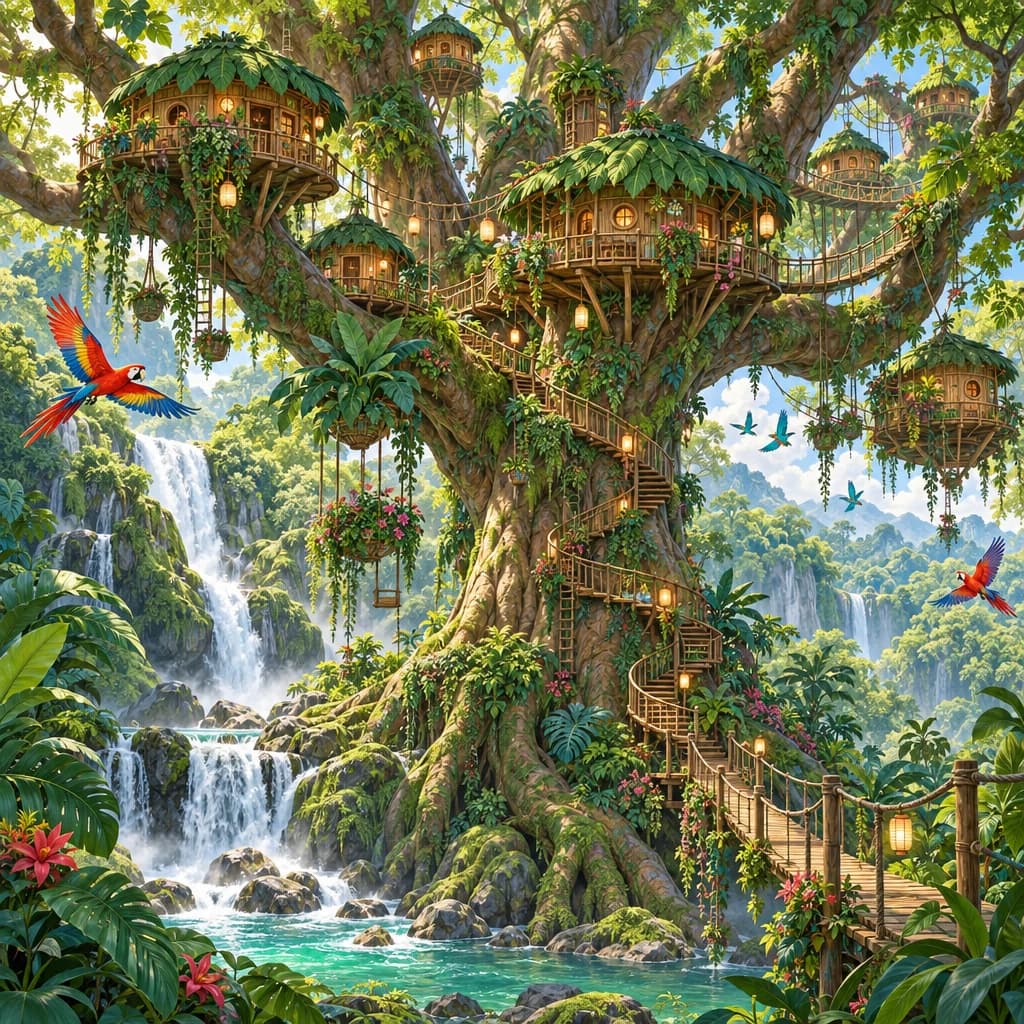
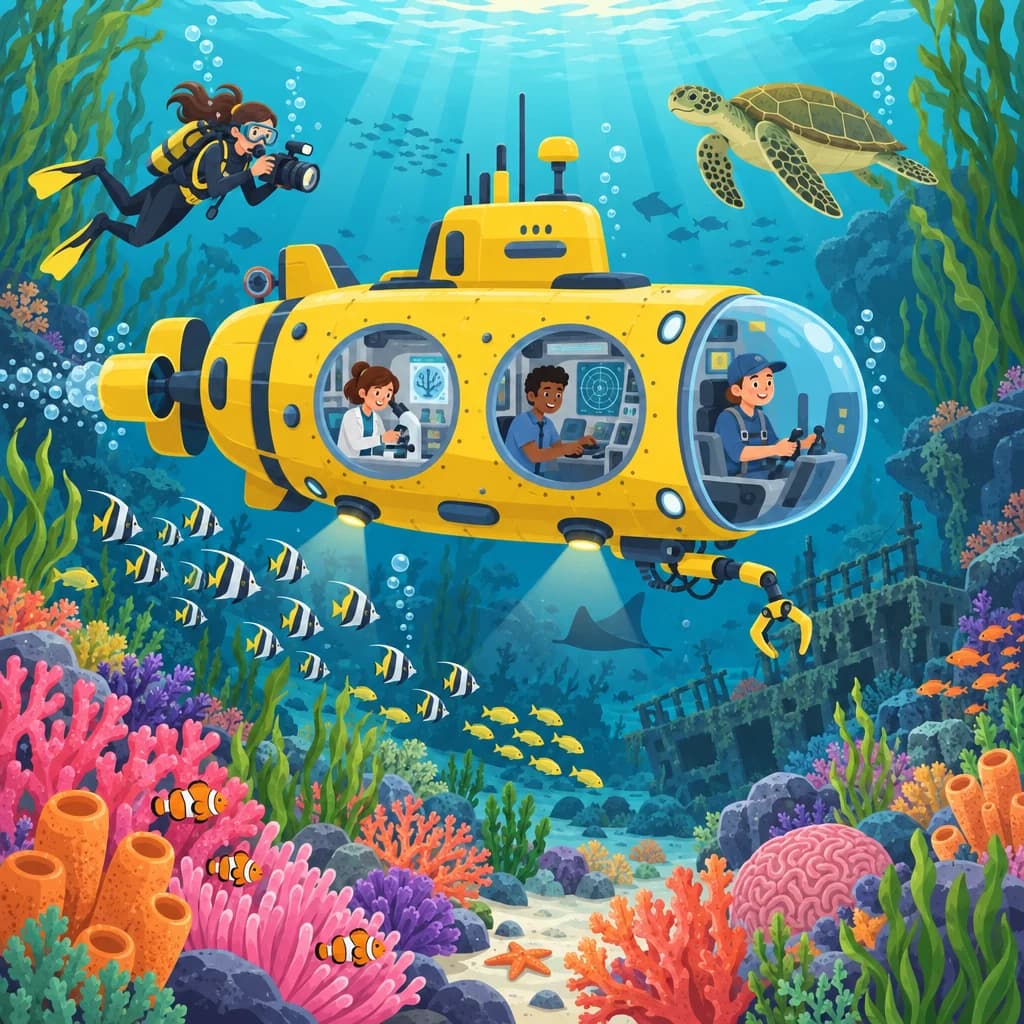
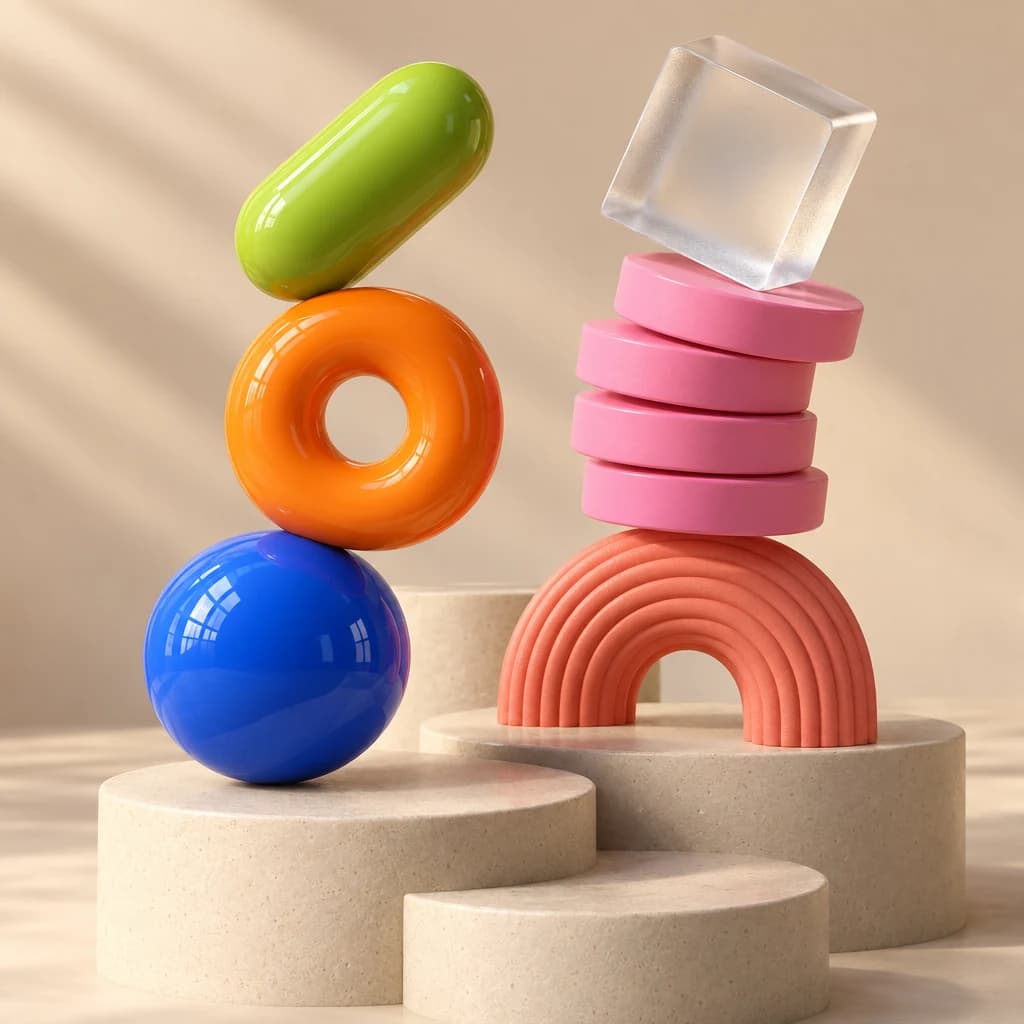
TurboClip also makes images itself, with a choice of models and house styles. A few of them:
How to connect TurboClip
- Add a custom MCP server. Open Plugins in ChatGPT, select Add, then Add custom MCP server. Name it TurboClip and paste the MCP URL as the Server URL. Keep Authentication on OAuth, confirm, then create it as a plugin. The MCP URL:
https://mcp.turboclip.ai/mcpOpen ChatGPT Plugins - Install and sign in. Find TurboClip under Personal in Plugins and install it. When ChatGPT asks, sign in to TurboClip, pick a workspace, keep “Create and spend credits” on and select Allow.
- Start creating. In a new chat, type @ and pick TurboClip, then ask in plain words for a video, an ad or an image. Open ChatGPT
In Codex
- Add TurboClip to Codex. Run this in your terminal.
codex mcp add turboclip --url https://mcp.turboclip.ai/mcp - Sign in. This opens the browser. Sign in to TurboClip, pick a workspace, keep “Create and spend credits” on and select Allow.
codex mcp login turboclip - Start creating. Ask your agent for a video, an ad or an image with TurboClip.
For the full video walkthrough, see Can ChatGPT make videos?
What it costs
ChatGPT Images comes with your ChatGPT plan. In TurboClip, connecting and signing in cost nothing, and making something uses credits, at pay-as-you-go prices like these (US dollars, starting from the cheapest model):
- AI images from $0.01 each
- 5-second AI video clips, from $0.15
- 10-second ads starring your own presenter or product photo, from $0.51
- 30-second faceless videos, scripted and narrated, for $0.40 each
- 10-slide carousels, written and illustrated, for $0.36
Every job is quoted before it runs, so nothing is spent until you say yes. See full pricing.
Questions & answers
Can ChatGPT make images for free?
Yes. OpenAI makes ChatGPT Images, its built-in image generator, available on every ChatGPT plan, on the web and in the iOS and Android apps.
Can ChatGPT edit images?
Yes. Upload an image or pick one ChatGPT made, then describe the change, or select part of the image and describe what should change there.
Can ChatGPT put text in an image?
Yes. OpenAI says ChatGPT Images can follow instructions to add text, add details and make the background transparent, in any aspect ratio.
Can ChatGPT turn an image into a video?
Not by itself. ChatGPT makes still images only. With a video connector such as TurboClip, an image can become a short clip, part of a narrated video or the star of a UGC ad.
Which ChatGPT plans can use TurboClip?
OpenAI gives full custom connectors to ChatGPT Business, Enterprise and Edu on the web. Pro can connect a custom server for reading only. On other plans, use TurboClip from Codex, from Claude or in the TurboClip app.