Can ChatGPT make videos?

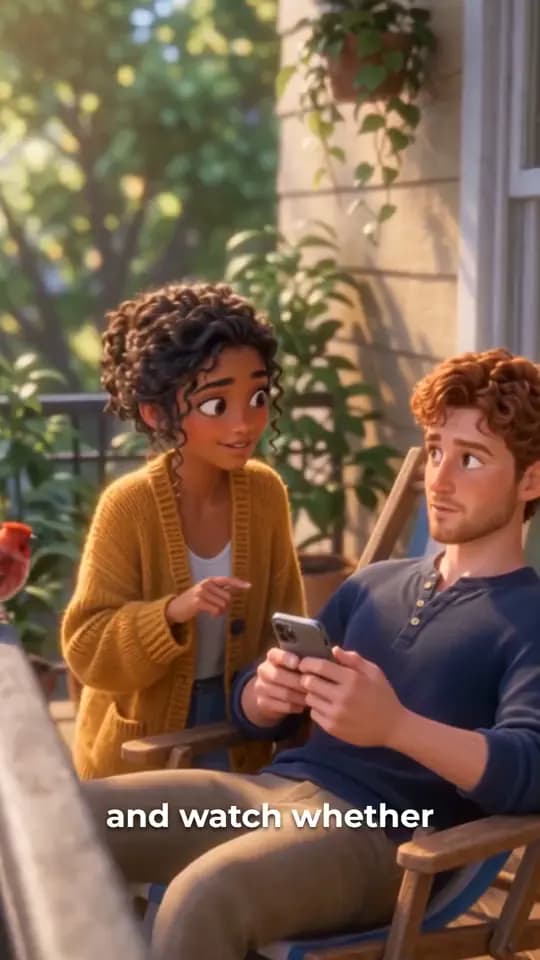
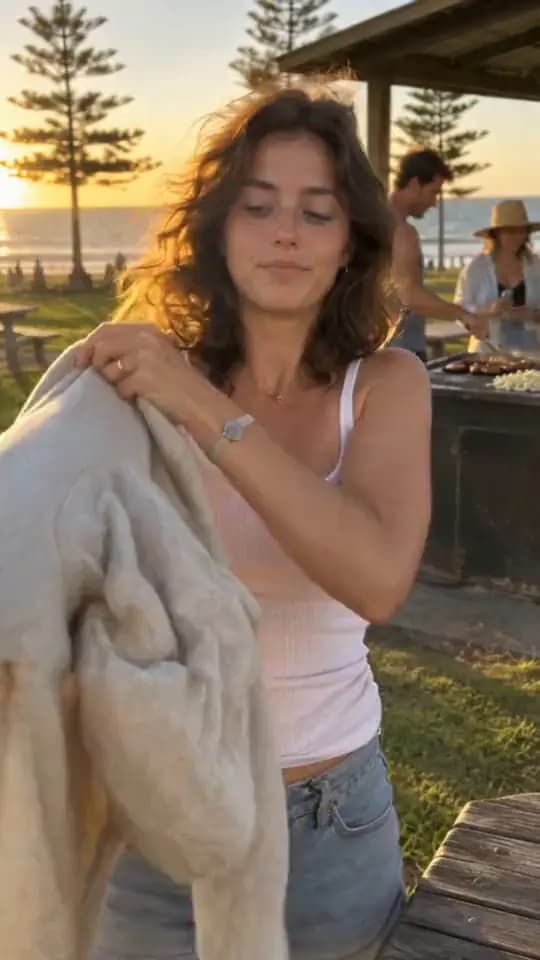
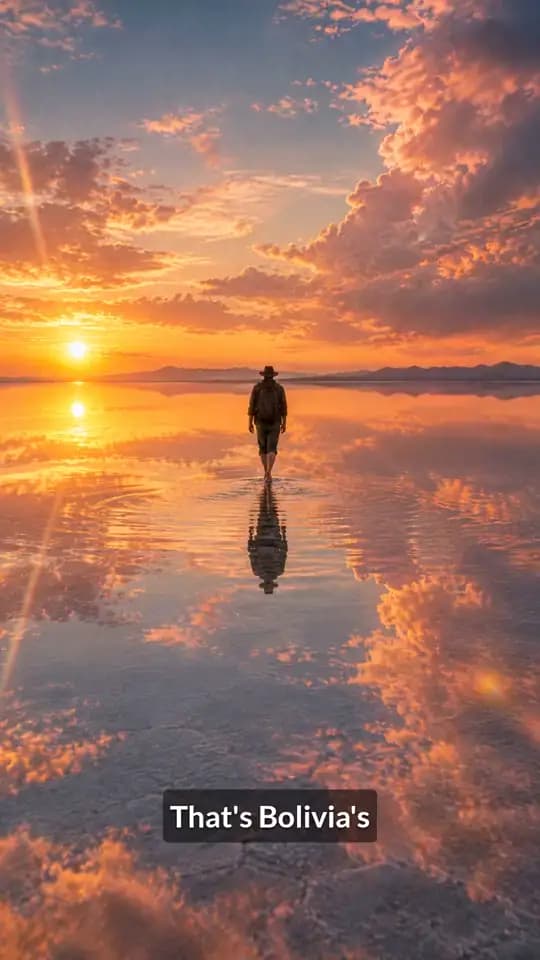
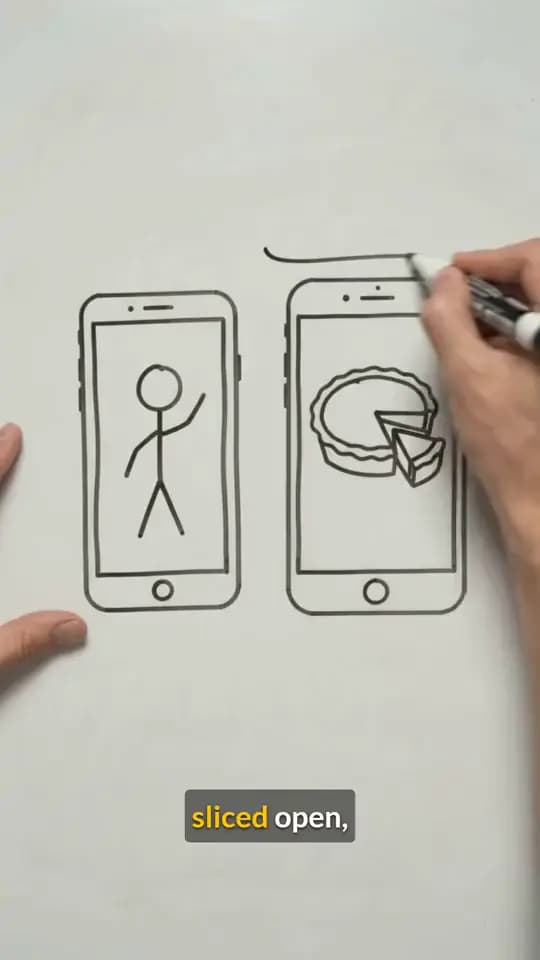
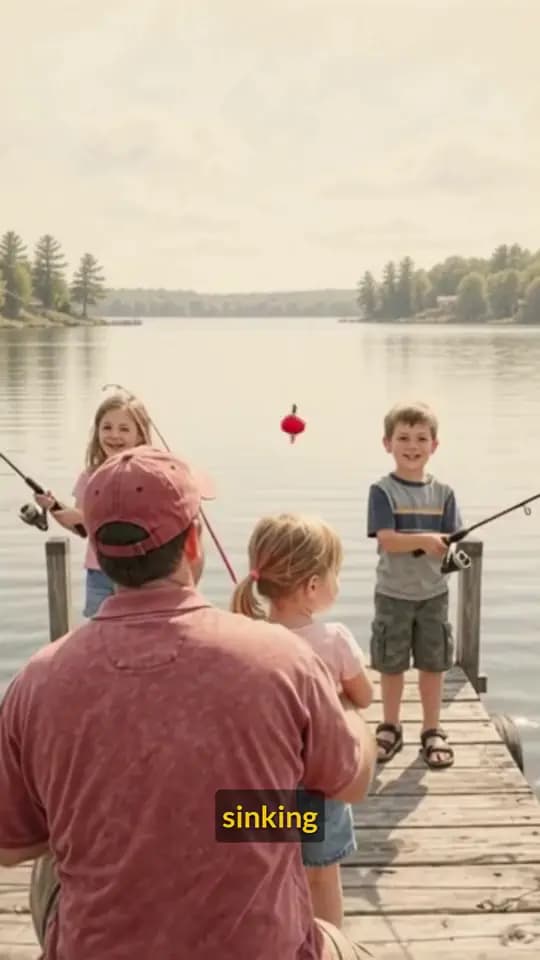
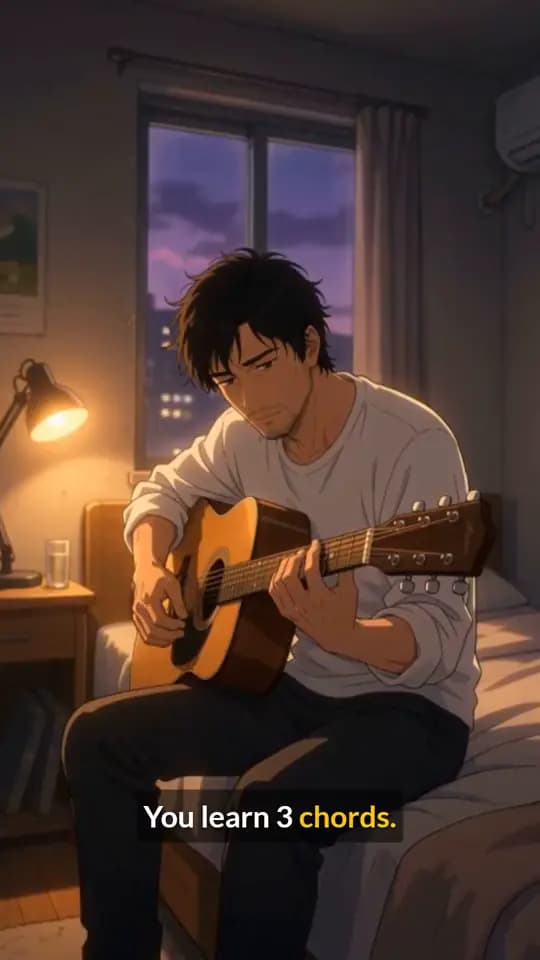
Not on its own. ChatGPT has no built-in video generator, but connect TurboClip and it makes finished, narrated videos and UGC ads right in the chat.
Not on its own. As of November 2026, ChatGPT has no built-in video generator. OpenAI closed the Sora app on 26 April 2026, and video isn't one of ChatGPT's own tools. What ChatGPT can do is plan a video with you. Add a video connector and it hands the work to a tool that renders it, then brings the finished file back to the chat.
Does ChatGPT have a video generator?
Not any more. OpenAI's video model, Sora, ran as its own app and website until OpenAI closed it on 26 April 2026, and video generation isn't built into ChatGPT. What ChatGPT does by itself:
- Write the script. The hook, the lines and the call to action, in the tone you ask for.
- Plan the shots. A shot list with what's on screen and what's said.
- Write prompts you can paste into a video model.
- Make still images, such as a thumbnail or an opening frame. See Can ChatGPT make images?
It stops at the parts that need rendering: the footage, the voice, the captions and the edit.
Which route fits?
| ChatGPT alone | ChatGPT with TurboClip | |
|---|---|---|
| What you get | Scripts, shot lists, prompts, still images | Finished videos, UGC ads, slideshows, images and single clips |
| Real-looking people and footage | No | Yes |
| Voiceover, music and captions | No | Yes |
| Which plans | Every plan | Business, Enterprise and Edu on the web; Codex |
| Price | Your ChatGPT plan | Your ChatGPT plan, plus TurboClip credits for what you make |
How to make videos in ChatGPT with TurboClip
TurboClip makes videos, ads and slideshows, and ChatGPT drives it through a connector (an MCP server). You add it once and sign in with your TurboClip account; there's nothing to install. After that, you ask ChatGPT for a video and TurboClip plans it with you, quotes the price, renders it and hands back the finished MP4.
- Add a custom MCP server. Open Plugins in ChatGPT, select Add, then Add custom MCP server. Name it TurboClip and paste the MCP URL as the Server URL. Keep Authentication on OAuth, confirm, then create it as a plugin. The MCP URL:
https://mcp.turboclip.ai/mcpOpen ChatGPT Plugins - Install and sign in. Find TurboClip under Personal in Plugins and install it. When ChatGPT asks, sign in to TurboClip, pick a workspace, keep “Create and spend credits” on and select Allow.
- Start creating. In a new chat, type @ and pick TurboClip, then ask in plain words for a video, an ad or an image. Open ChatGPT
In Codex
Codex, OpenAI's coding agent, adds TurboClip from your terminal:
- Add TurboClip to Codex. Run this in your terminal.
codex mcp add turboclip --url https://mcp.turboclip.ai/mcp - Sign in. This opens the browser. Sign in to TurboClip, pick a workspace, keep “Create and spend credits” on and select Allow.
codex mcp login turboclip - Start creating. Ask your agent for a video, an ad or an image with TurboClip.
Steps for Cursor and other apps are on the TurboClip MCP page.
What to ask for
Ask in plain words. For example:
- "Make a 30-second video about why the sky is blue, with a calm voiceover and captions."
- "Plan a UGC ad for my cold brew subscription. Ask me what you need first."
- "Turn this blog post into a six-slide carousel for Instagram."
- "Add bold yellow captions to this video." (Paste a link to it.)
ChatGPT asks what it needs (length, look, voice), shows you the plan, and quotes the price before anything renders. Two of them, each with the brief it was made from:
Can ChatGPT make a video from a photo?
Yes, with TurboClip connected. ChatGPT can animate a photo into a short clip (the photo becomes the opening frame), or put your own presenter or product photo into a UGC ad so the same face or product appears in every shot. Share a link to the photo in the chat; Codex can upload a file from your computer.
Only use photos of people who have agreed to appear in a video, and of products you have the right to show.
What it costs
Connecting TurboClip and signing in cost nothing. Making something uses TurboClip credits, at pay-as-you-go prices like these (US dollars, starting from the cheapest model and resolution):
- 30-second faceless videos, scripted and narrated, for $0.40 each
- 10-second UGC ads with an AI presenter, from $0.55
- 10-second ads starring your own presenter or product photo, from $0.51
- 30-second AI videos in full motion, scripted and narrated, from $1.28
- 5-second AI video clips, from $0.15
- 10-slide carousels, written and illustrated, for $0.36
- Captions on your own 1-minute video for $0.02
Premium models and higher resolutions cost more, and a plan's monthly credits cost less per credit than pay as you go. ChatGPT quotes every job before it runs, so nothing is spent until you say yes. On a new account, planning a UGC ad costs nothing. See full pricing.
ChatGPT with a connector, or a video app?
If you know exactly what you want, a video app on its own works fine. A connector helps when you'd rather talk the idea through: ChatGPT keeps the brief, the plan, the price and the finished file in one conversation, and you can ask for changes the same way you asked for the video.
Questions & answers
Does ChatGPT have a video generator?
Not as of November 2026. OpenAI closed its Sora app on 26 April 2026, and ChatGPT has no built-in video tool. It can make still images, and with a video connector such as TurboClip it can make finished videos from the chat.
Which ChatGPT plans can use TurboClip?
OpenAI gives full custom connectors, the kind that can make things, to ChatGPT Business, Enterprise and Edu on the web. Pro can connect a custom server for reading only, which isn't enough to render. On other plans, use TurboClip from Codex, from Claude (custom connectors on every Claude plan) or in the TurboClip app.
Can ChatGPT make videos for free?
ChatGPT can write scripts and plan videos on its own. Rendering a video with TurboClip uses credits, and ChatGPT shows you the price before anything is made. Signing in costs nothing, and on a new account planning a UGC ad costs nothing.
Can ChatGPT make a video with a voiceover and captions?
Not by itself. With TurboClip connected it can. TurboClip writes the script or follows yours, voices it with a narrator from its voice library, adds captions and renders the finished MP4.
How long can a video be?
Narrated videos run up to 10 minutes. A single AI video clip runs from a few seconds up to 30, depending on the model, and longer full-motion videos are cut together from several clips.
Can ChatGPT make videos for TikTok, Reels and Shorts?
Yes, with TurboClip connected. Videos start in the 9:16 vertical shape those apps use, and you can ask for other shapes where the chosen video model supports them.
Can ChatGPT edit a video I already have?
Through TurboClip it can add captions to a video you share a link to. For cuts, music and other edits, open the project in TurboClip Studio, the timeline editor.